Black Friday 2026 falls on Friday, November 27. Today is November 14, so there are about two weeks to the campaign. That is short, but still usable for search engines to discover and evaluate your campaign page. A page published months ahead and a page opened three days before the campaign differ noticeably in organic visibility; this guide explains what to prioritize in the time left.
We cover the campaign page URL structure, page content, product data, Google Merchant Center and structured data preparation, site speed, internal linking, running ads and organic together, and what to do after the campaign. No SEO work can guarantee “you will rank on the first page”, but the steps below give a practical, error-free framework that improves the chance of your campaign page being evaluated well. For legal questions such as campaign regulations and price display, please consult official sources; this article is not legal advice.
How Is Search Demand Shaping Up for Black Friday?
Search behavior during Black Friday differs clearly from normal days. From early November users search for “black friday deals”, “black friday campaign” and “black friday [product name]”; these searches grow towards campaign week and peak on the campaign days. The timing of this pattern can shift by sector; last year’s Search Console data is the most reliable source for seeing your own demand.
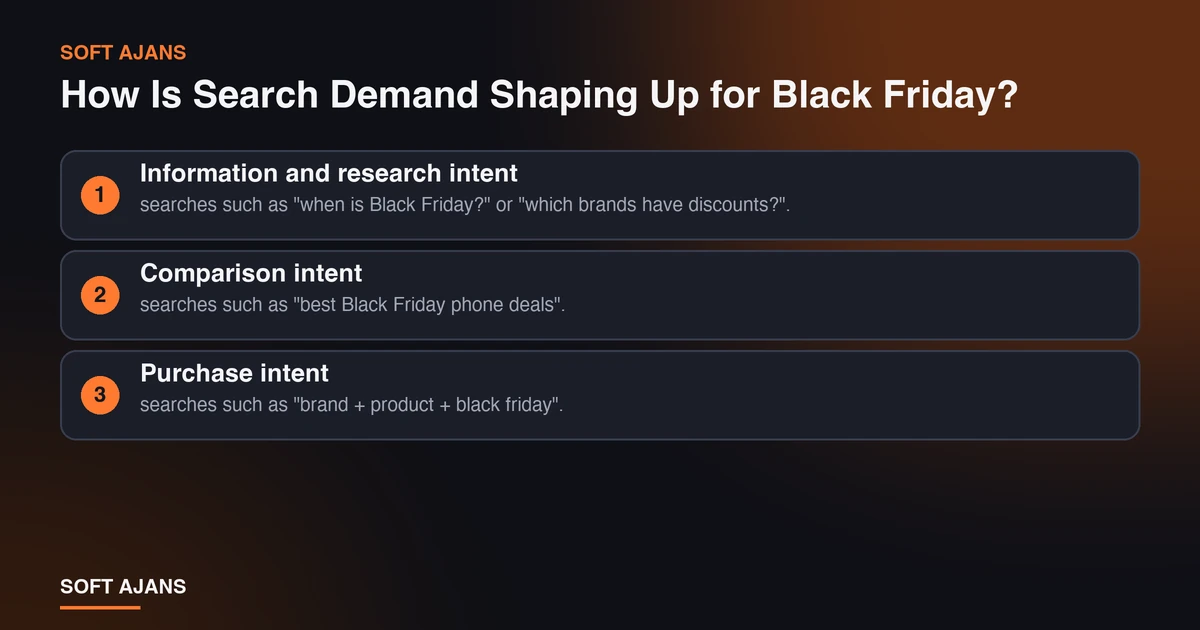
In this period user intent falls into three groups:
- Information and research intent: searches such as “when is Black Friday?” or “which brands have discounts?”. Blog content and guide pages answer these.
- Comparison intent: searches such as “best Black Friday phone deals”. Category and list pages stand out.
- Purchase intent: searches such as “brand + product + black friday”. Product and campaign pages meet this intent.
Which of these will your campaign page serve? Instead of squeezing all of them into one page, it is healthier to plan a separate page for each intent. You can find the big picture in our e-commerce guide for Black Friday and New Year campaigns; here we focus on search visibility.
There is also the matter of AI summaries: in part of campaign and shopping searches Google shows AI summaries and shopping modules. For informational searches this can lower click-through rate; we covered this effect in our post on AI Overviews and zero-click traffic.
Also, Google started a new core update on November 10. The ranking fluctuation you see before the campaign may be due to it; to read the situation correctly, see our November 2026 core update guide.
Campaign Page URL and Structure: Do Not Open a New Page Every Year
The most common mistake in campaign page SEO is opening a new URL every year: /black-friday-2025/, /black-friday-2026/, /black-friday-2027/. With this approach the page starts from zero each year, and the links and trust signals built up before are lost.
Instead use a single, permanent address, for example /black-friday/. Do not delete the page after the campaign ends; keep it alive with a status such as “Black Friday is over, follow us for new campaigns” and update the content next year. This keeps links accumulating on one page and spares search engines from relearning the page every year.
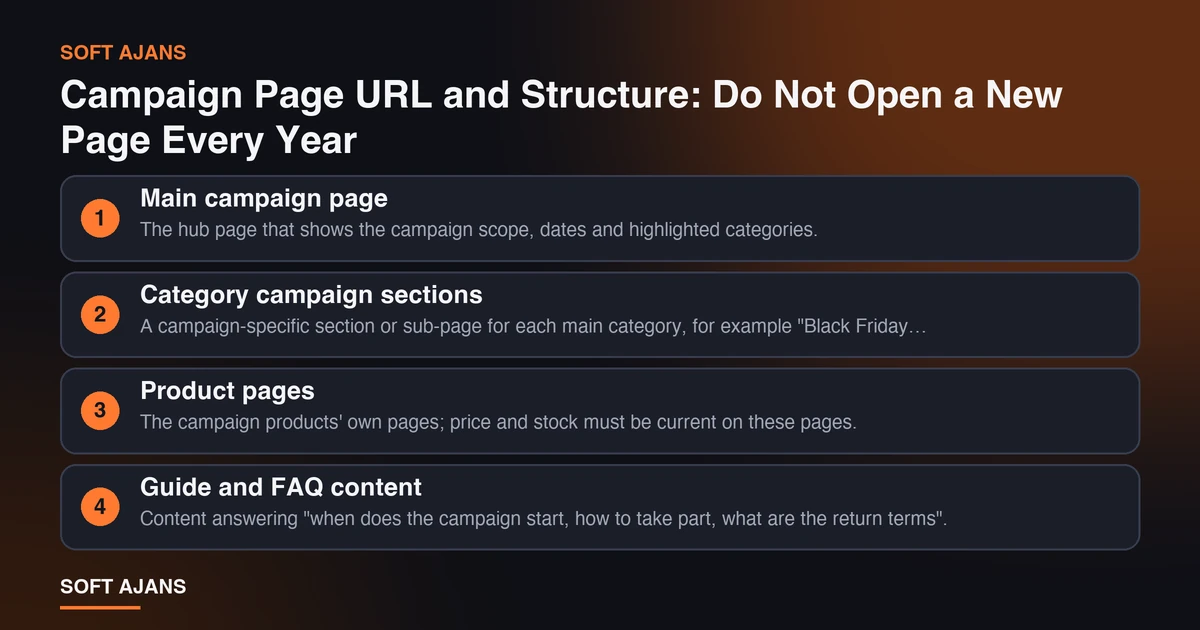
We suggest this structure for the campaign:
Main campaign page. The hub page that shows the campaign scope, dates and highlighted categories. The title may contain the year and brand name, but the URL should not contain the year.
Category campaign sections. A campaign-specific section or sub-page for each main category, for example “Black Friday electronics deals”.
Product pages. The campaign products’ own pages; price and stock must be current on these pages.
Guide and FAQ content. Content answering “when does the campaign start, how to take part, what are the return terms”.
Write the title (H1), a short intro and the campaign dates clearly on the campaign page. Do not build the page only from images and a product grid; there must be enough text for search engines to understand what the page is about.
Campaign Page Content: What to Write
A campaign page should be more than a product list. What search engines and users want to find is the answer to “what does this campaign really offer?”.
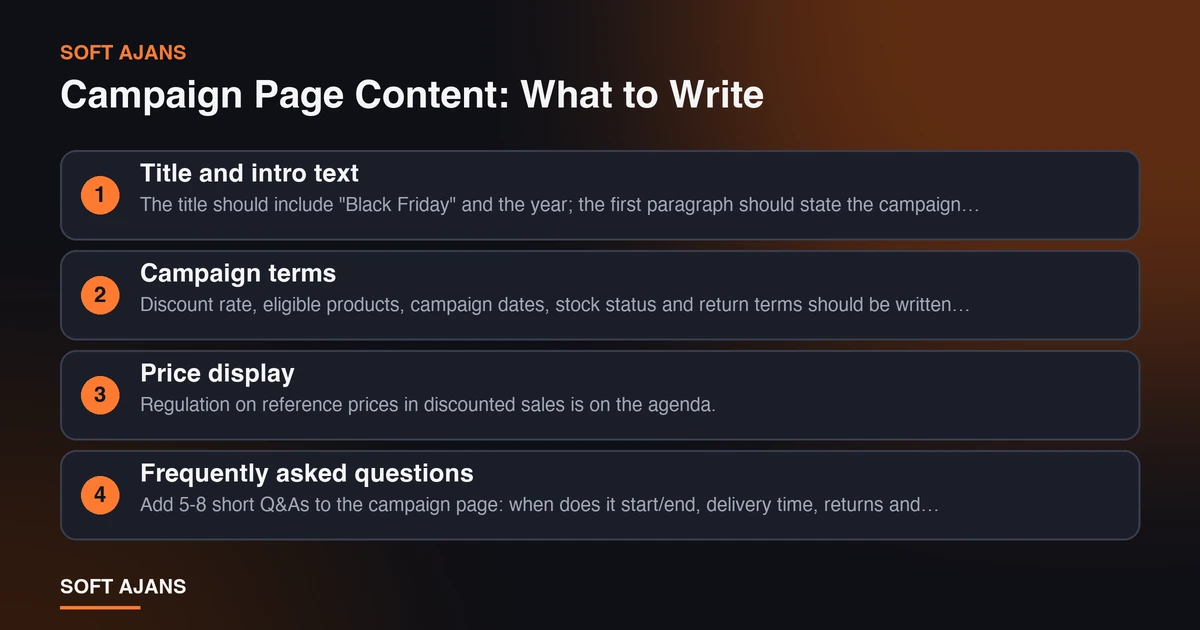
1. Title and intro text. The title should include “Black Friday” and the year; the first paragraph should state the campaign date, scope and audience briefly and clearly. Avoid exaggerated claims (“biggest discount of all time”); claims that cannot be verified damage trust and ad policy compliance.
2. Campaign terms. Discount rate, eligible products, campaign dates, stock status and return terms should be written clearly and placed somewhere visible, not hidden in a footnote.
3. Price display. Regulation on reference prices in discounted sales is on the agenda. Some sources mention a rule, from August 1, 2026, that the reference price in discounted-sale listings should be the lowest price of the 10 days before the campaign. This is not a legal opinion; before publishing campaign prices, check the Ministry of Trade’s current announcements and your legal adviser.
4. Frequently asked questions. Add 5-8 short Q&As to the campaign page: when does it start/end, delivery time, returns and exchanges, payment options, what happens when stock runs out. This reduces user questions and answers question-based searches in results.
5. Trust elements. Payment security, return guarantee and customer service information should be visible on the campaign page.
6. Freshness marker. A visible “Last updated” date tells users and search engines that your information is current.
To strengthen product descriptions and category texts in general, see our e-commerce SEO guide.
Product Data, Merchant Center and Structured Data
During the campaign users mostly look at price and stock. Having your product appear in results with the right price and an in-stock label directly affects clicks.
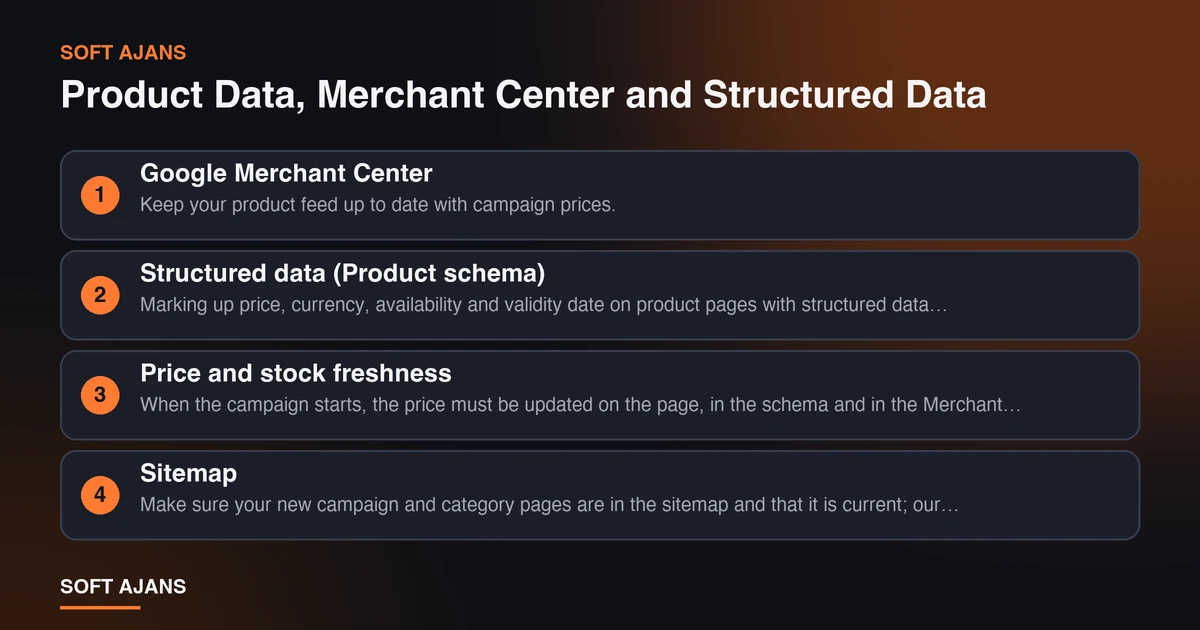
Google Merchant Center. Keep your product feed up to date with campaign prices. If price or stock differs between the product page and the feed, products can be disapproved. We explained how to set up the feed in our Merchant Center product upload guide; use it to refresh your feed before the campaign and clear possible errors.
Structured data (Product schema). Marking up price, currency, availability and validity date on product pages with structured data helps search engines understand the information correctly. Which fields to use and how to validate them is explained in our Product schema guide; for general concepts see our post on structured data. The key rule: the information you mark up must be identical to the information visible on the page. Writing a price in schema that is not visible on the page causes problems.
Price and stock freshness. When the campaign starts, the price must be updated on the page, in the schema and in the Merchant Center feed at the same time. If the three update at different speeds, inconsistencies appear. If possible, make all three feed from one data source.
Sitemap. Make sure your new campaign and category pages are in the sitemap and that it is current; our sitemap guide is useful for this check.
Site Speed and Technical Preparation
Traffic spikes on campaign days. If your page slows down or the server cannot keep up, you lose users and the page experience signals suffer. Before campaign week, run these technical checks:
- Page speed: measure that campaign and product pages open fast on mobile. Large banner images and many third-party scripts are the most common slowdowns. You can use our Core Web Vitals guide for measurement and improvement.
- Server capacity: talk with your hosting provider about the traffic increase you expect on campaign days; plan temporary extra capacity if needed.
- Cache: caching the campaign page and clearing the cache correctly when the campaign starts prevents old prices from showing.
- Crawling and indexing: check that your campaign page is not accidentally blocked by
noindexorrobots.txt. Blocks left over from a test environment can keep campaign pages from being indexed. - Redirects: do not delete pages of products whose campaign ended; show them as “sold out” or redirect to similar products.
- Mobile experience: a large share of Black Friday searches come from mobile; test the checkout flow on a real phone.
These checks summarize the technical work to do before the campaign; for a full crawl see our technical SEO guide and our technical SEO service.
Internal Links: Give Your Campaign Page Strength
Whether a search engine treats your campaign page as important also depends on how many links it receives within your site. Internal linking is free and quick to apply.
Link from the home page. Add a prominent link or banner to the campaign page on your home page. The home page is usually the strongest page of a site; link value flows from there.
Link from the menu. Add a “Black Friday” link to the main menu for the duration of the campaign, and remove or update it when the campaign ends.
Links from category pages. Put a link to the category-specific campaign section at the top or bottom of each category page.
Links from blog posts. If you publish content for this period (gift guides, product comparisons, shopping tips), link to the campaign page from within the text. The link text should be descriptive, such as “Black Friday electronics deals”, not empty phrases like “click here”.
Links from product pages. On the pages of campaign products, include a link back to the campaign page.
Leave no orphan pages. Make sure none of your campaign pages is an “orphan” that receives no link from another page of your site. Orphan pages are hard to discover for both users and search engines.
When the campaign ends, do not remove the links immediately; update the page status and keep the links meaningful until next year.
Run Ads and Organic Together
Relying only on organic results on Black Friday is risky, and relying only on ads is expensive. It is healthier to plan both together.
Start ads early. Smart bidding strategies (target ROAS, maximize conversion value) need a learning period. Starting one or two weeks before campaign day lets the system learn from data. An ad setup left to the last day means meeting the peak days with a system that has not learned enough.
A separate ad group and budget plan for the campaign. Opening a separate group or campaign for Black Friday without disturbing your general campaigns makes measurement easier. Plan in advance to raise the budget on peak days; running out of budget mid-day is one of the most expensive losses.
Performance Max and shopping ads. The quality of your product feed directly affects the performance of these campaigns. For how they work, see our Performance Max guide.
Measure organic and ads separately. If both your organic result and your ad appear for the same search, track separately which one brings the sale. Even if organic ranking looks sufficient while ad budget rises in campaign week, deciding without measurement is hard.
Remarketing. Users who visited the campaign page but did not buy are the most valuable audience in the last days of the campaign; prepare a separate message for them.
For ad management, see our Google Ads service.
A 14-Day Black Friday SEO Calendar
Here is what to do with two weeks left. Dates are based on the campaign day, Friday, November 27.
| Date | To do |
|---|---|
| Nov 14-16 | Finalize the campaign page URL and structure; check indexing and robots; pull campaign queries from last year’s Search Console data |
| Nov 17-19 | Publish campaign page content and FAQ; add internal links from the home page, menu and categories; update the sitemap |
| Nov 20-22 | Prepare the Merchant Center feed and Product schema with campaign prices; run speed and mobile tests |
| Nov 23-25 | Set up and test ad campaigns; prepare remarketing audiences; confirm server capacity |
| Nov 26 | Final check: price, stock, checkout flow, campaign terms text; cache plan |
| Nov 27 (campaign day) | Update prices; monitor stock, speed and error reports during the day |
| Nov 28 and after | Track sales, traffic and rankings; update ended products; move the page to its post-campaign status |
There is also an update risk in the calendar: if Google’s core update coincides with campaign week you may see ranking fluctuation. In that case it is safer to work with data, as in the previous guide, rather than change the page in a hurry.
After the Campaign: Do Not Close the Page
What you do when the campaign ends matters as much as what you do before it.
Do not delete the page. Deleting the campaign page loses accumulated links and ranking value. Put the page in a “Campaign ended” state, link it to the New Year or the next campaign page, and reuse it next year.
Archive the data. Which queries brought traffic, which products sold, which pages were fast or slow? This data is gold for next year’s plan. Export your Search Console and analytics data within a week after the campaign.
Point to the next campaign. New Year and year-end campaigns come right after Black Friday. Use the same internal link structure and data feed for these campaigns.
Restore prices and stock. When the campaign ends, prices, schema and the Merchant Center feed must return to normal; forgotten campaign prices lead to customer complaints and product disapprovals.
Write down what you learned. Prepare a short evaluation document after the campaign: what worked, what did not, what you will do earlier next year. This document lets you replace two weeks of rush next Black Friday with six weeks of planned preparation.
We covered the move from Black Friday to the New Year and January campaigns in our New Year and January campaign SEO post.
How Soft Ajans Helps With E-Commerce Campaigns
The campaign period is a busy time when technical and content work must be ready at the same time. In our e-commerce SEO service we work on:
- Campaign page structure, URL and internal link plan
- Category and product page content and structured data setup
- Merchant Center feed and product data quality checks
- Prioritizing speed and technical crawl findings
- A post-campaign performance report
We do not guarantee rankings or sales; we report clearly the work we did and the results we measured. You can see package options on our e-commerce packages page, and use our SEO checklist to review your site quickly. To learn about our general approach, see our SEO consulting page.
Frequently Asked Questions
When is Black Friday 2026?
Black Friday is the Friday after the fourth Thursday of November; in 2026 it falls on November 27. Many stores start their campaigns days or even weeks before this date; you need to settle your own campaign dates and state them clearly on your page.
How many days before the campaign should the campaign page be published?
As early as possible. Search engines need time to discover, index and evaluate a new page. Ideally the campaign page goes live several weeks before the campaign and its content is updated over time. Even if you are very close to campaign week, publish the page right away and add it to the sitemap; that is much better than not publishing at all.
Should I open a new Black Friday page every year?
No. Using a single permanent address (for example /black-friday/) and updating its content every year is better. This preserves the links and trust signals the page has built up. You can update the year in the title and content; the URL should stay the same.
Should I delete the page after the campaign ends?
No. Deleting the page loses accumulated link value. Put the page in a “campaign ended” state, point it to the next campaign and reuse it next year. If you must remove it permanently, use a 301 redirect to a suitable page.
Which matters more for Black Friday, SEO or ads?
They do different jobs. Organic results are long-term and cumulative; ads are fast and budget-dependent. In campaign season the healthiest approach is to plan both together: ads give fast visibility, while organic pages produce traffic without per-click cost over time. If your budget is limited, strengthen the technical and content foundation first.
Is there a method that guarantees my Black Friday ranking?
No. No SEO work can guarantee a first-page position, because rankings depend on factors outside your control such as competitors, search intent and Google updates. What can be done is to prepare your campaign page to be technically error-free, helpful in content and supported by internal links. Be cautious about offers that promise ranking guarantees.