The New Year and holiday season is a busy but error-prone time for local businesses. When a customer searches Google “is it open tonight?” and sees the wrong opening hours on Maps, they give up on the business. A customer who arrives and finds the door closed is both a lost sale and an experience that can turn into a negative review.
In this article we explain what to do in Google Business Profile for the holiday season: entering special hours, updating profile information, update posts, review management, order and reservation information, notes for multi-location businesses and a calendar. The names and layout of options in the interface may be changed by Google from time to time; the steps here describe the general logic and the naming on your screen may differ. For general profile optimization you can also read our Google Business Profile optimization checklist.
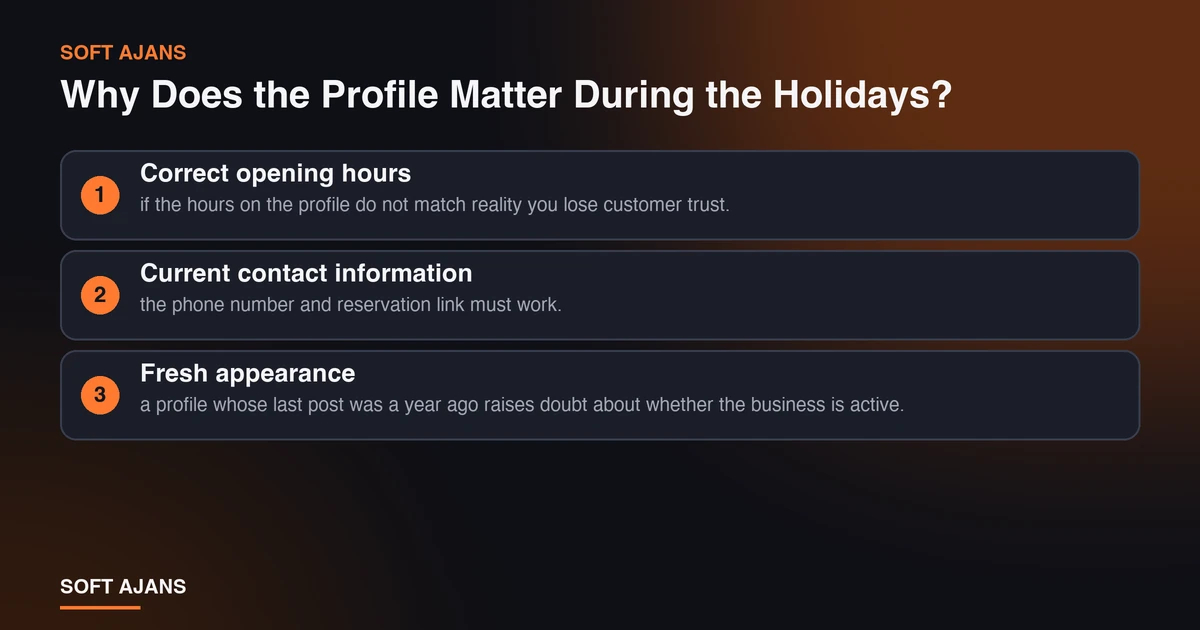
Why Does the Profile Matter During the Holidays?
On New Year and holidays search behavior changes. People make instant, nearby searches such as “open restaurant”, “on-duty pharmacy”, “cafe open on New Year’s Eve” and “open today”. The results of these searches are mostly the Maps block and the decision is made in a very short time.
Three things are decisive here:
- Correct opening hours: if the hours on the profile do not match reality you lose customer trust.
- Current contact information: the phone number and reservation link must work.
- Fresh appearance: a profile whose last post was a year ago raises doubt about whether the business is active.
There is no certain formula for how local ranking is shaped; but it is generally accepted that an accurate and complete profile sends a reliable signal to both users and Google.
Enter Special Hours
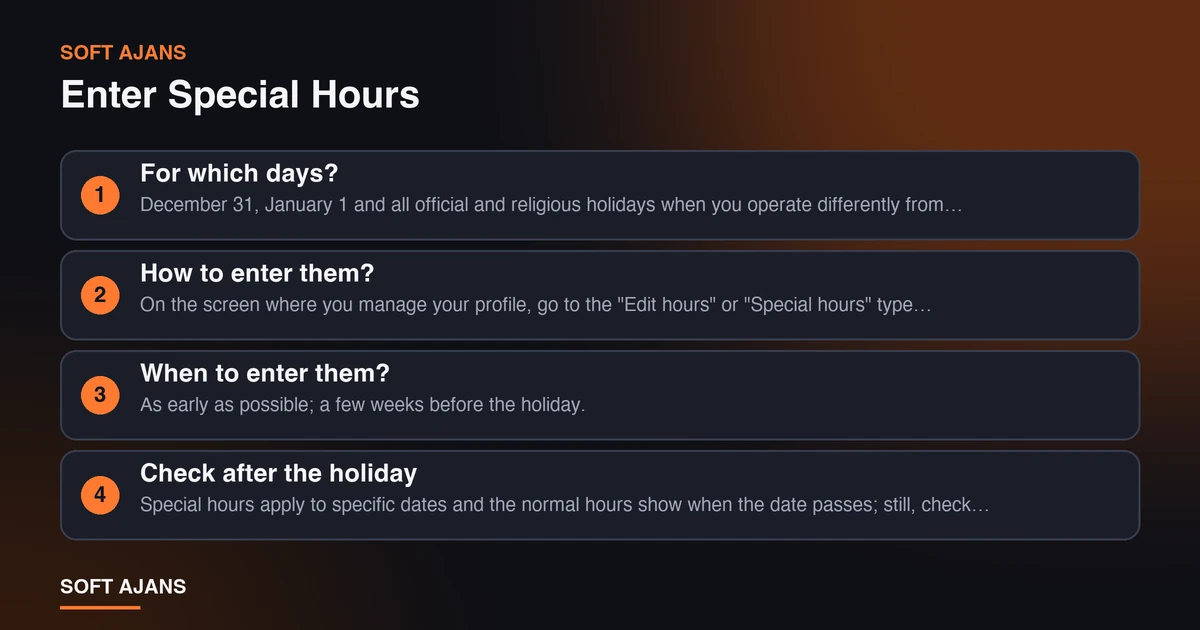
In Google Business Profile you can enter different hours for specific dates without changing your normal hours. In Google this feature is called “special hours”.
For which days? December 31, January 1 and all official and religious holidays when you operate differently from your normal routine. Depending on your business type, extended hours before New Year or closed days can also be added.
How to enter them? On the screen where you manage your profile, go to the “Edit hours” or “Special hours” type section; choose the relevant date, mark “Open” or “Closed” and write the time range. Save and check from Maps that it shows on the profile.
When to enter them? As early as possible; a few weeks before the holiday. Customers make holiday plans in advance.
Check after the holiday. Special hours apply to specific dates and the normal hours show when the date passes; still, check after the holiday that the normal hours display correctly.
A small detail: do not confuse days when the business is completely closed with “permanently closed”. That setting means the business has closed for good and choosing it by mistake can cause serious loss of visibility.
Review Profile Information for the Holidays
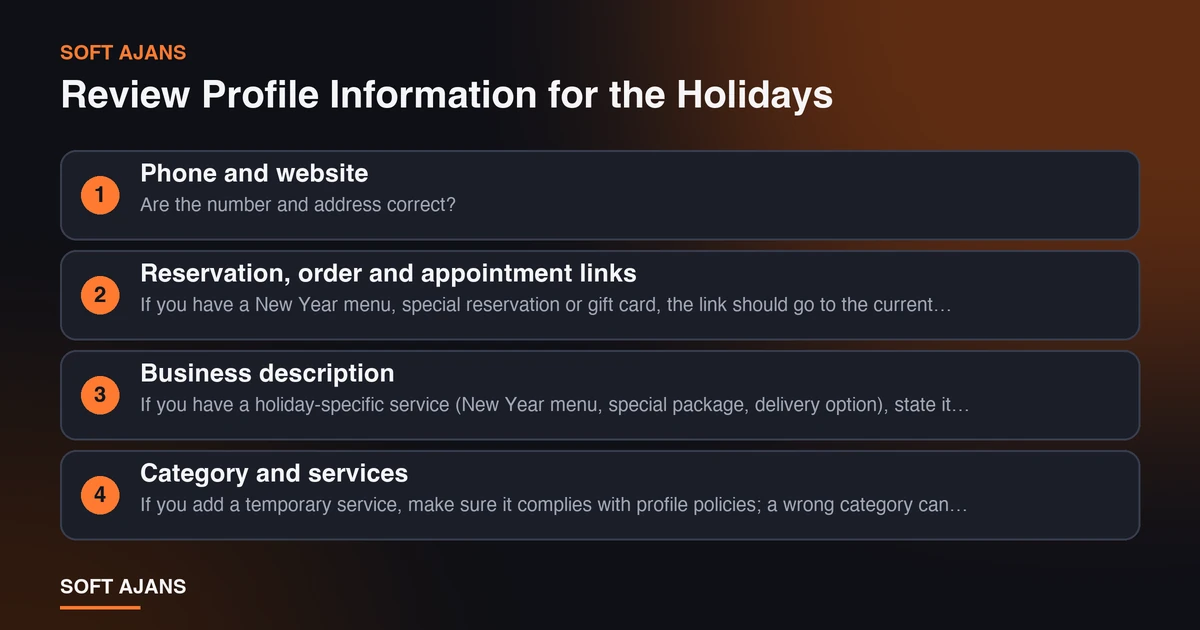
Besides opening hours, these fields should be reviewed before the holiday:
Phone and website. Are the number and address correct? Does the website link work?
Reservation, order and appointment links. If you have a New Year menu, special reservation or gift card, the link should go to the current page.
Business description. If you have a holiday-specific service (New Year menu, special package, delivery option), state it briefly and accurately. Avoid exaggerated and unverifiable statements.
Category and services. If you add a temporary service, make sure it complies with profile policies; a wrong category can harm the profile.
Photos. Add photos of the decorated venue, the New Year menu or new products. Real and current images build more trust than stock photos.
Update Posts and Offers
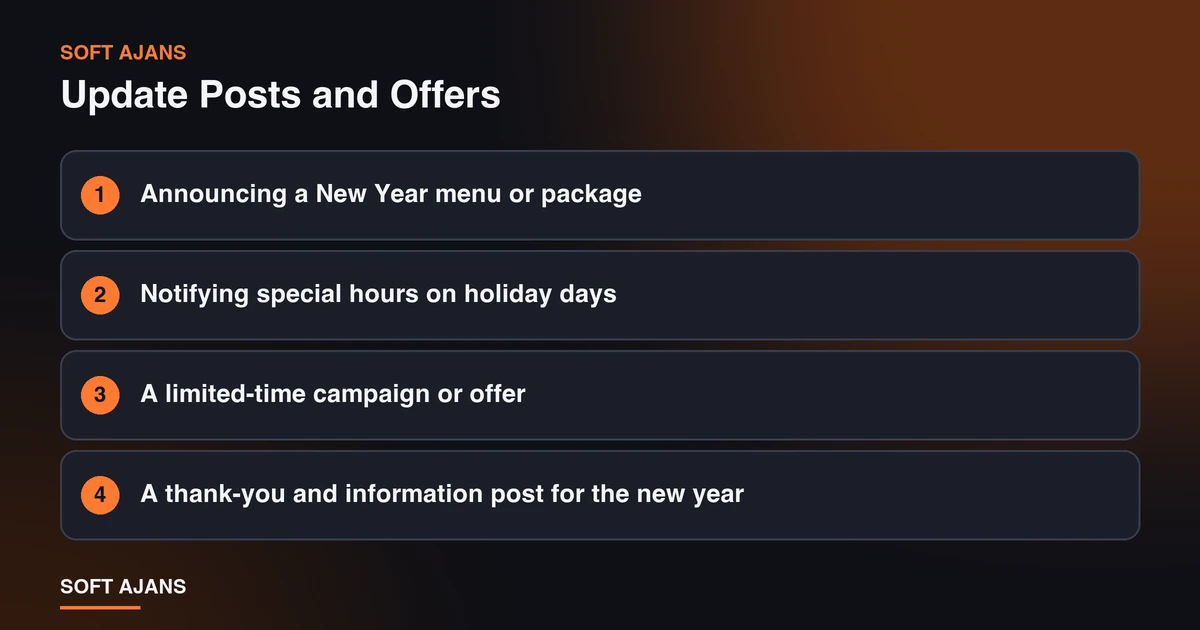
Google Business Profile lets businesses share updates and offers on the profile. In the holiday season you can use them for:
- Announcing a New Year menu or package
- Notifying special hours on holiday days
- A limited-time campaign or offer
- A thank-you and information post for the new year
What does a good post look like? Short, clear and with a single call to action: “We are open December 31 from 18:00 to 02:00, call to reserve.” Use a photo in the post and write the date and time clearly.
Things to watch. Posts may have limited duration; when the campaign ends remove outdated content that stays on the profile. Be accurate and complete when writing phone numbers and campaign terms. Content published on the profile must comply with Google’s policies.
Reviews and the Q&A Section
In the holiday season the number of reviews rises because more people visit the business. Review management matters even more in this period.
Reply to reviews quickly and politely. Thank positive reviews; answer negative reviews calmly and with a solution focus. Review replies are also read by future customers.
Plan how you ask for reviews. Asking satisfied customers for a review is legitimate; but offering rewards in return, asking only for positive reviews or having fake reviews written violates Google policies and can have serious consequences.
Answer frequently asked questions. Questions such as whether you are open on holidays, whether a reservation is required or whether there is parking can be asked on the profile; answering them in advance and adding the information to the profile description reduces your workload.
Assign a responsible person in the team. Decide in advance who will watch the reviews on holiday days; a late reply is a missed opportunity in a busy period.
Notes for Multi-Location Businesses
Entering special hours one by one for businesses with several locations can be tedious but should not be skipped.
- Verify each location’s holiday hours separately; locations may operate differently.
- If you use bulk management tools, sample whether the hours were reflected correctly on all profiles.
- Keep location phone numbers and address information current; inconsistent information confuses both the user and Google.
- Give location managers a short checklist containing the holiday calendar.
Consistency With Your Website
The information on the profile and the information on the website should match. Writing “closed during the holidays” on the site while showing open on the profile, or the reverse, creates distrust in the customer.
- Add a short holiday announcement bar at the top of the website.
- Make the opening hours on the contact page the same as on the profile.
- If you want to mark local business information correctly on your website, see our structured data guide.
For the whole of local search visibility beyond the profile, you can get information about our local SEO service.
Pre-Holiday Checklist
A few weeks before the holiday, check this list in order:
- Were special hours entered for December 31, January 1 and other holidays?
- Are the phone, address and website information correct?
- Do reservation, order and appointment links work?
- Was an update posted for the New Year menu or special service?
- Were new and current photos added?
- Who will answer reviews, and how often?
- Is the information on the website consistent with the profile?
- If multi-location, was every location verified one by one?
Common Mistakes
The problems local businesses most often face in Google Business Profile during the holidays:
Never entering special hours. The normal hours show on the profile; the customer meets a closed door and can write a negative review.
Entering a wrong date or time. Simple mistakes such as writing 08:00 instead of 18:00 for New Year’s Eve are easy to make. Check on Maps after entering.
Marking the profile “permanently closed”. It should not be used for a temporary closure; visibility can be seriously affected.
Not answering the phone. Calls from the profile increase in the holiday season; if nobody is looking, plan for it in advance.
Leaving old updates and offers up. An ended campaign announcement staying on the profile damages trust.
Giving information that conflicts with the website. “Closed for the holidays” on the site and “open” on the profile confuses the customer.
Replying to reviews late. In a busy period missed reviews can stay unanswered for days. Assign the responsible person in advance.
A 15-Minute Routine for Small Businesses
If your time is limited, do these before the holiday: enter special hours and check them on Maps, test the phone number and website link, add a photo and an update post, reply to the last week’s reviews and put a short holiday notice on your website. This small routine prevents most mistakes. Do not forget to check after the holiday that normal hours display correctly.
After the Holidays
When the holidays end your work is not finished. Check that normal opening hours display correctly on the profile, remove expired offers and posts, give the remaining replies to reviews received during the holidays and note the period’s performance by looking at profile statistics (searches, calls, direction requests). These notes make next year’s holiday plan easier; knowing which days brought how much interest also helps with hours and staffing.
Also, frequently asked questions during the holidays give content ideas that can be added to the profile description or an FAQ section. Write down what customers ask most; this information strengthens both the profile and your website.
A Quick Reminder
Special hours apply only to the dates they were entered for; when you return to the normal routine after New Year no extra action is needed, but checking is a good habit. In the same check, verify your phone number, address and reservation link. The information a customer sees on Maps not differing from the real situation is the most important quality indicator in the holiday period.
How Soft Ajans Helps Local Businesses
We support local businesses with profile setup, verification, optimization and regular management. You can start with our what is Google Business Profile post and then request a free preliminary analysis to see the state of your profile. We do not promise rankings; we report the work we do. For an approach specific to your city, see our city-specific SEO pages.
Frequently Asked Questions
How far in advance should I enter special hours?
If possible a few weeks before the holiday. Customers make holiday plans early and the information on the profile affects their decision. Even if you enter them later it is better than not entering at all; verify the hour change on Maps as soon as you publish it.
If I am closed during the holidays, should I mark the profile as “permanently closed”?
No. That setting says the business has closed completely and can seriously affect your visibility. For a temporary closure, enter a “closed” special hour only for the relevant days.
How can I announce my New Year campaign on the profile?
You can create an update or offer post on your profile. A post that is short, clear, with open date and terms and a single call to action works well. When the campaign ends, remove the outdated post.
Is it right to ask for reviews in a busy period?
Asking satisfied customers for a review is legitimate. But giving rewards in return, asking only for positive reviews or having fake reviews written violates Google policies. Ask for reviews, but do not interfere with their content.
I have several locations. Should I update them one by one?
Yes, each location’s hours and information should be verified because locations may operate differently. Even if you entered them with bulk tools, sample a few locations to check they were reflected correctly on the profiles.
Does updating the profile raise my ranking?
Nobody can guarantee that. An accurate and complete profile sends a trust signal to users and prevents loss from wrong information. The effect on ranking depends on many factors such as proximity, relevance and prominence.