
If you have seen your Google rankings move from one day to the next this week, you are not alone. On November 10, 2026, Google started the November 2026 core update. According to the announcement on Google’s Search Status Dashboard, the update applies worldwide and in all languages, and it can take up to two weeks to roll out. It is the third core update of 2026; two large updates had already rolled out in March and May.
The most common mistake in periods like this is to panic and change the site in a hurry. While an update is still rolling out, results keep moving, and a drop or a gain you see today can reverse tomorrow. In this article we explain what a core update is, how to separate a real drop from normal fluctuation, what to check step by step in Search Console, what not to do, and a checklist you can follow if you did lose ground. The information is based on Google’s own statements and common SEO practice. Because Google has not explained what the update targets, we deliberately avoid claims such as “this factor decides everything”.
What Is the November 2026 Core Update?
A core update is a broad update to the systems that decide which pages are shown, and in which order, in Google’s results. It is not a penalty aimed at a single spam type or a single site; it is Google recalculating its answer to the question “which pages give the most helpful and reliable answer to this query?” That is why a site can drop while a competitor rises, without you having made any mistake: the ranking was simply re-evaluated.
A few points are worth knowing:
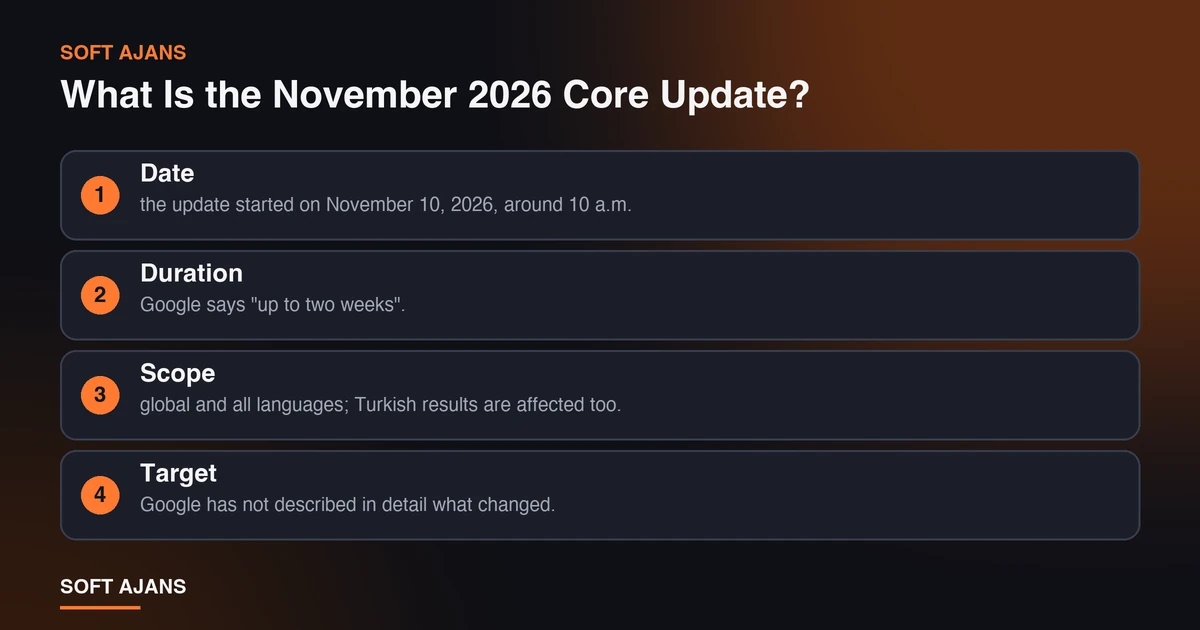
- Date: the update started on November 10, 2026, around 10 a.m. Pacific time.
- Duration: Google says “up to two weeks”. Some tracking sites expect around November 24, but that is an estimate, not an official end date, and past updates have sometimes taken longer than expected.
- Scope: global and all languages; Turkish results are affected too.
- Target: Google has not described in detail what changed. Claims such as “AI content was punished” or “this sector was hit” are still guesses.
- Not a penalty: a manual action shows up in the “Manual actions” section of Search Console; a core update drop does not.
Google’s own advice is to wait at least one week after the update is complete before evaluating results. A measurement you take today does not show the final outcome.
Fluctuation or Real Drop? How to Tell
While the update rolls out, results change by the day and even by the hour. Your position for one query going from 4 to 9 and back to 5 is normal. Use this approach to decide whether a drop is real:
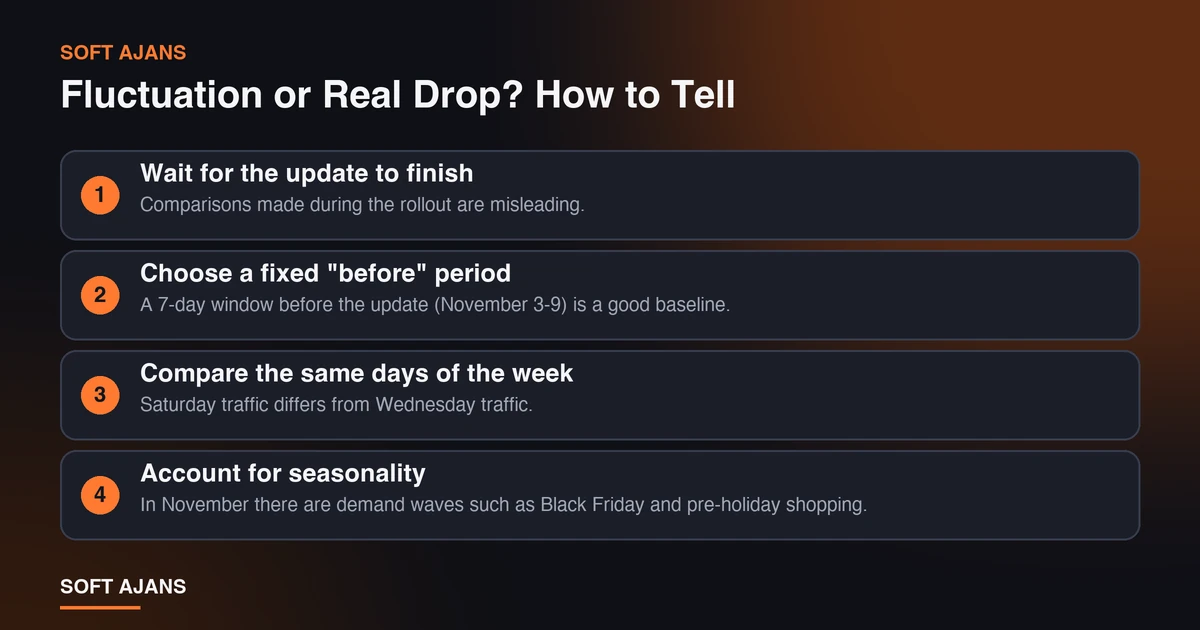
1. Wait for the update to finish. Comparisons made during the rollout are misleading. When the end date is announced, wait one more week.
2. Choose a fixed “before” period. A 7-day window before the update (November 3-9) is a good baseline. Note this window now; once the update is over, compare it with a “after” window of the same length a week later.
3. Compare the same days of the week. Saturday traffic differs from Wednesday traffic. Compare weekdays with weekdays and weekends with weekends.
4. Account for seasonality. In November there are demand waves such as Black Friday and pre-holiday shopping. A traffic drop does not always mean lost rankings; search demand itself may have fallen or risen.
5. Separate impressions from clicks. If impressions are stable but clicks fall, the cause may be your titles and descriptions or new features on the results page (AI summaries, ads) rather than ranking.
If after these five steps you still see a clear and consistent drop, move on to the Search Console review below.
Step-by-Step Checks in Search Console
Knowing where the drop happened decides what you do. Did the whole site fall, or only certain pages, queries or devices? Our Google Search Console guide explains the tool in detail; here we only summarize the steps this review needs.
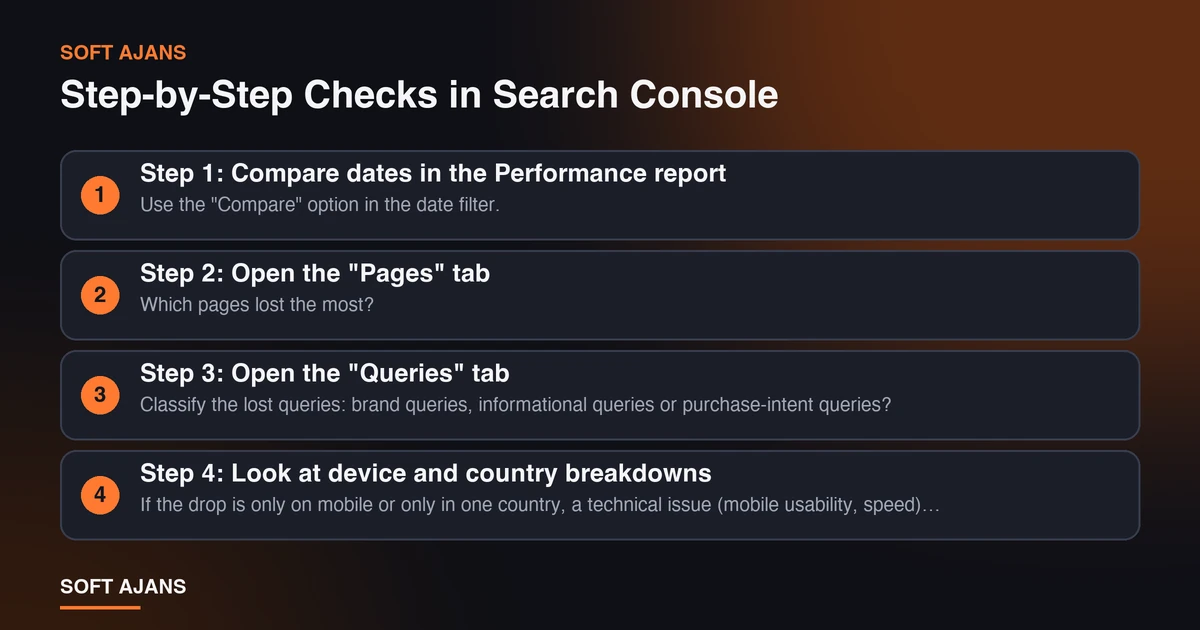
Step 1: Compare dates in the Performance report. Use the “Compare” option in the date filter. Select the fixed pre-update window and the post-update window. Look at the change in total clicks, impressions, average CTR and average position.
Step 2: Open the “Pages” tab. Which pages lost the most? If the loss is concentrated on a few pages, the problem is not site-wide but in the content or intent match of those pages. If the loss is spread everywhere, look for a technical or site-wide factor.
Step 3: Open the “Queries” tab. Classify the lost queries: brand queries, informational queries or purchase-intent queries? A drop in brand queries may not be related to the core update and can point to another cause such as brand awareness.
Step 4: Look at device and country breakdowns. If the drop is only on mobile or only in one country, a technical issue (mobile usability, speed) is more likely.
Step 5: Check the indexing and crawl reports. Is there a sudden rise in errors in the “Pages” (index coverage) report? Did your pages leave the index, or are they still indexed but ranking lower? The difference matters: the first needs a technical fix, the second needs content and intent work.
To classify the data quickly you can use our free Search Console opportunity analyzer; you upload your query or page CSV and the file never leaves your browser.
| Observation | Possible meaning | First step |
|---|---|---|
| Impressions low, position dropped | The page lost ground in rankings | Review content and search intent match |
| Impressions same, clicks dropped | Title/description or results page layout | Review titles and meta descriptions |
| Drop only on mobile | Mobile experience or speed | Check Core Web Vitals and mobile usability |
| Pages left the index | Technical/indexing problem | Check the indexing report and robots settings |
| Drop only in brand queries | A cause other than the core update | Check brand awareness and campaign periods |
What Not to Do
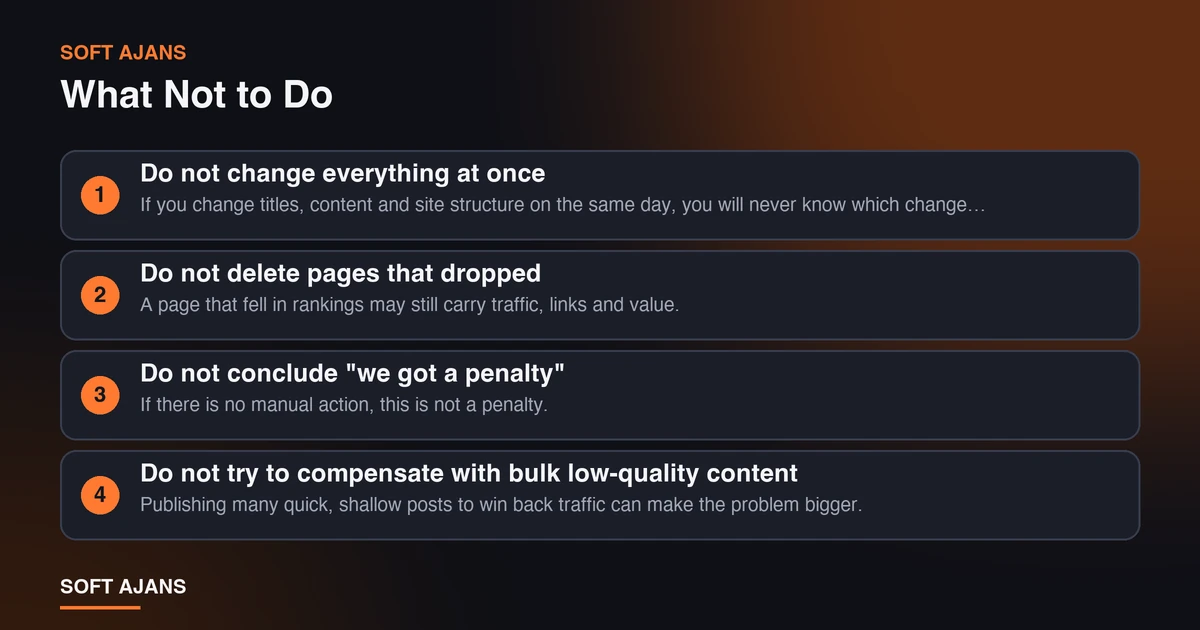
Hasty moves during the rollout can make things worse instead of better. Avoid these mistakes:
Do not change everything at once. If you change titles, content and site structure on the same day, you will never know which change had which effect. Stay calm and collect data first.
Do not delete pages that dropped. A page that fell in rankings may still carry traffic, links and value. Deleting is irreversible; first understand why it dropped.
Do not conclude “we got a penalty”. If there is no manual action, this is not a penalty. Preparing disavow files as if it were one is often unnecessary work.
Do not try to compensate with bulk low-quality content. Publishing many quick, shallow posts to win back traffic can make the problem bigger. Core updates are generally a re-evaluation of quality and helpfulness.
Do not buy links or fake signals. Methods that break Google’s guidelines may bring a short-term recovery but create serious long-term risk.
Do not check results constantly. Hourly rank checks only raise anxiety. A regular weekly measurement is healthier.
Checklist If You Did Lose Ground
If a week after the update ends you still see a real and consistent drop, work through the list below in order. Use it as an evaluation framework; we do not claim that any single item is “the fix”.
Content and search intent
- Does the page that dropped answer the searched question clearly and completely?
- Is its answer shallower than the competitor pages that moved ahead?
- Does the page match the real intent of the query (information, comparison, purchase)?
- Do you have several weak pages on the same topic? Could they be merged into one strong page?
Trust signals
- Are the author, sources and update date clearly shown?
- Are claims supported by sources or concrete information?
- Are trust pages such as “About”, contact and privacy complete and accessible?
- Where available, are reviews, references and real case information visible?
Technical health
- Do pages work smoothly and open fast on mobile? Our Core Web Vitals guide helps with this check.
- Are there indexing, crawl or sitemap errors? If needed, see our sitemap guide.
- Is structured data correct and consistent with page content?
- Does your site have ads or pop-ups that slow it down or break the screen?
Internal links and structure
- Do important pages get links from the home page and related posts?
- Are there pages that duplicate each other or are very similar?
- Can old, outdated pages be refreshed? Our content refresh guide offers a method.
Competitor comparison
- What do the rising competitors’ pages do differently: deeper, fresher, clearer?
- What is the format of the pages ranking at the top for the same search (list, table, image, FAQ)?
Notes for Local Businesses and Newly Published Pages
How a business is affected depends on its type. A few practical notes:
Local businesses: in a large share of “near me” and city-name searches, results are shaped by the map block. The ranking of that area relies on different signals than web page ranking, yet your website still plays a supporting role in local searches. Keeping your Google Business Profile up to date and answering reviews are jobs that should stay constant during an update too.
Newly published pages: if you recently published many new pages (for example city or service pages), it is normal for their rankings to move in the first weeks. It may be too early to judge these pages during the update; wait for three to four weeks of data. That is why we plan to review our own city pages after the update ends, not during it.
E-commerce sites: ranking fluctuation before Black Friday affects both revenue and ad budget directly. Instead of covering an organic dip with ads, it is healthier to first understand where the problem is using data. You can also read our Black Friday SEO guide.
The effect of AI summaries: when clicks fall but impressions stay stable, AI summaries in search results may also be a factor. See our post on AI Overviews and zero-click traffic.
A 30-Day Plan After the Update
The plan below helps you move steadily instead of panicking during and after the update. Dates may shift depending on the real end of the update.
| Period | What to do |
|---|---|
| Now, while the update rolls out | Save pre-update data (Nov 3-9); do not make big changes; fix only technical problems |
| When the update ends | Note the end date; wait one week |
| One week after the end | Do the before/after comparison; classify lost pages and queries |
| Next 2 weeks | Make content and technical improvements one by one on prioritized pages, recording dates |
| Next 30 days | Track the effect of each change weekly; expand what works, drop what does not |
The most important part of the plan is keeping records: write down what you changed, on which page, and when. Only then can you tell a month later which move had an effect. To see how we organize this process, you can look at our sample monthly report.
How Soft Ajans Helps in This Process
The question we hear most from businesses during core update periods is “why did my site drop and what should I do?” To answer it you first need a clear view of your site. In our SEO consulting service we follow these steps:
- We locate the drop using Search Console and Analytics data.
- We prioritize likely causes with a technical crawl and a content review, and present the required work in writing under our technical SEO service.
- We make the before/after comparison after the update is complete, using the waiting period Google recommends.
- We do not promise rankings; we share the work we did and the results we measured in a monthly report.
If you want an approach specific to the city you serve, see our city-specific SEO consulting pages. To review your own site quickly, you can also use our free SEO checklist. If you would like to see where your site stands, you can request a free preliminary analysis; this step does not bind you to a contract.
Frequently Asked Questions
Is a core update a penalty?
No. A core update is a broad update of the ranking systems in search results; it is not made to punish a specific site. A real penalty (manual action) is reported in the Manual actions section of Search Console. If your rankings dropped, that does not have to mean your site did something wrong; Google’s evaluation of the most helpful page may simply have changed.
When will the November 2026 core update finish?
Google says the rollout can take up to two weeks. Because the update started on November 10, some tracking sites expect around November 24; that is an estimate. Follow Google’s Search Status Dashboard for confirmed completion. After the update ends, it is recommended to wait at least one more week before evaluating.
My traffic dropped. Should I delete or rewrite my content right away?
No. First wait for the update to finish, then check in Search Console which pages and queries the drop is concentrated on. Deleting pages in a hurry is an irreversible decision. If needed, strengthen weak pages, merge similar ones and make changes one by one, recording the dates.
When will my rankings recover?
Nobody can say for sure. On some sites rankings settle on their own after the update; on others the effect of improvements can take weeks or until the next update period. Be cautious about offers that promise a specific time or result for recovery.
Will my Google Ads campaigns be affected by this update?
A core update concerns the ranking of organic results; it does not directly change ad systems. However, if your organic traffic falls you should monitor the total effect on ad clicks and sales. Rather than rushing to raise ad budgets to cover the loss, it is healthier to first understand the cause of the organic drop.
Why are the rankings of my newly published pages moving?
New pages move in the weeks after publication while Google recognizes and evaluates them; when a core update period is added, the fluctuation can be more visible. To evaluate their performance, wait for three to four weeks of data and for the update to finish.