As soon as Black Friday ends, the agenda of e-commerce sites changes: New Year gift searches, New Year campaigns and then the January sales. Many stores make the same mistake at this transition: they close the Black Friday page, open a brand-new page for New Year and wait for search engines to learn it again. Sites that plan the campaign calendar in advance can carry the value built in one campaign into the next.
In this article we explain search visibility preparation for New Year and January campaigns: how search demand progresses, campaign page structure, gift guide content, product data and stock management, internal linking, aligning ads with organic and a weekly calendar. We do not give numbers or ranking promises; reading the real demand in your sector from your own Search Console data is the most reliable path. For legal topics such as campaign prices and discount listings, rely on official sources and your legal adviser.
How Does Search Demand Progress for New Year and January?
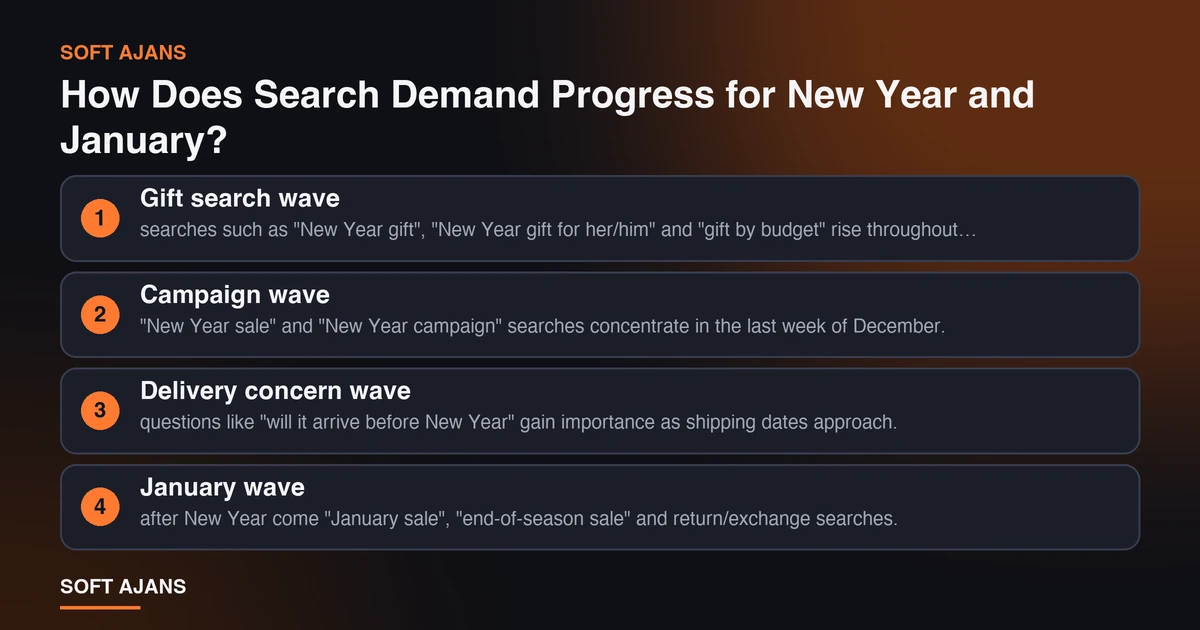
After Black Friday, search demand is not a single block; it consists of several waves and each wave has a different intent.
- Gift search wave: searches such as “New Year gift”, “New Year gift for her/him” and “gift by budget” rise throughout December. Here the user is looking for ideas, not products.
- Campaign wave: “New Year sale” and “New Year campaign” searches concentrate in the last week of December.
- Delivery concern wave: questions like “will it arrive before New Year” gain importance as shipping dates approach.
- January wave: after New Year come “January sale”, “end-of-season sale” and return/exchange searches.
The timing of this pattern changes by sector. Look at last year’s Search Console query list between late November and January; seeing which searches brought traffic to which pages on which days is the foundation of your plan. For the general calendar, see also our 2027 digital marketing calendar.
Build One Permanent Campaign Structure
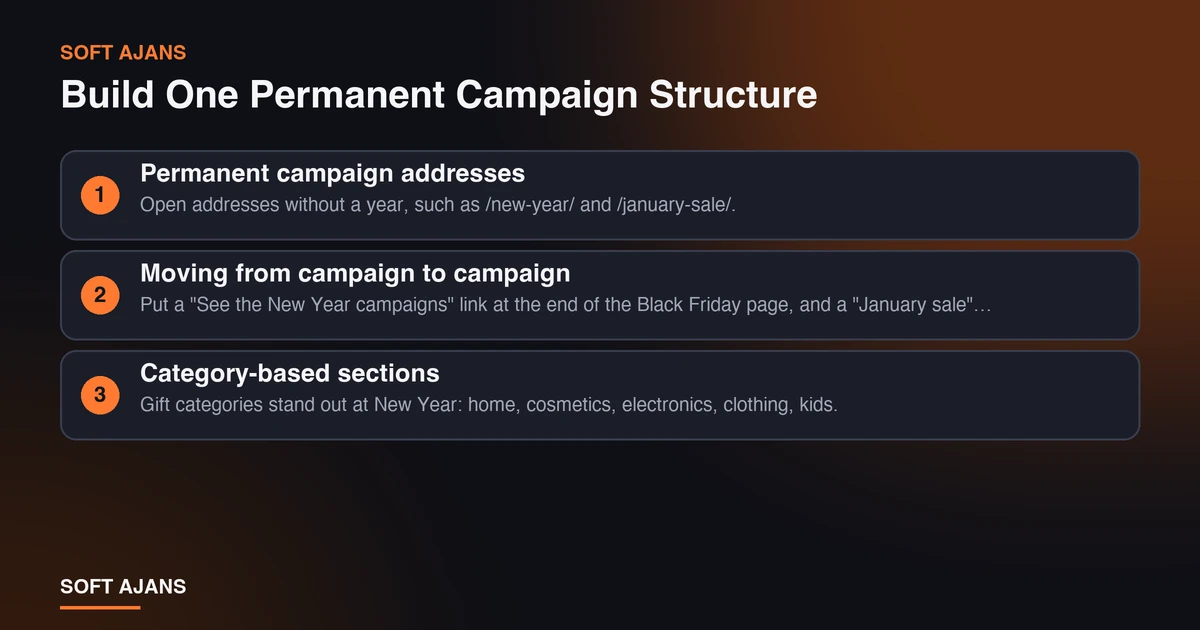
The rule from our Black Friday guide applies here too: instead of opening a separate yearly address for every campaign, use permanent addresses.
Permanent campaign addresses. Open addresses without a year, such as /new-year/ and /january-sale/. Do not delete them when the campaign ends; move them to a “Campaign ended” state and update them at the same address next year. The accumulated links and trust signals are preserved.
Moving from campaign to campaign. Put a “See the New Year campaigns” link at the end of the Black Friday page, and a “January sale” link at the end of the New Year page. The user moves on to the next campaign as they leave one, and search engines see how the campaign pages relate.
Category-based sections. Gift categories stand out at New Year: home, cosmetics, electronics, clothing, kids. Plan a campaign section for each main category.
For campaign page content, FAQ and trust elements you can reuse the headings in our Black Friday 2026 SEO guide.
Gift Guide Content: Reach Users Who Are Looking for Ideas
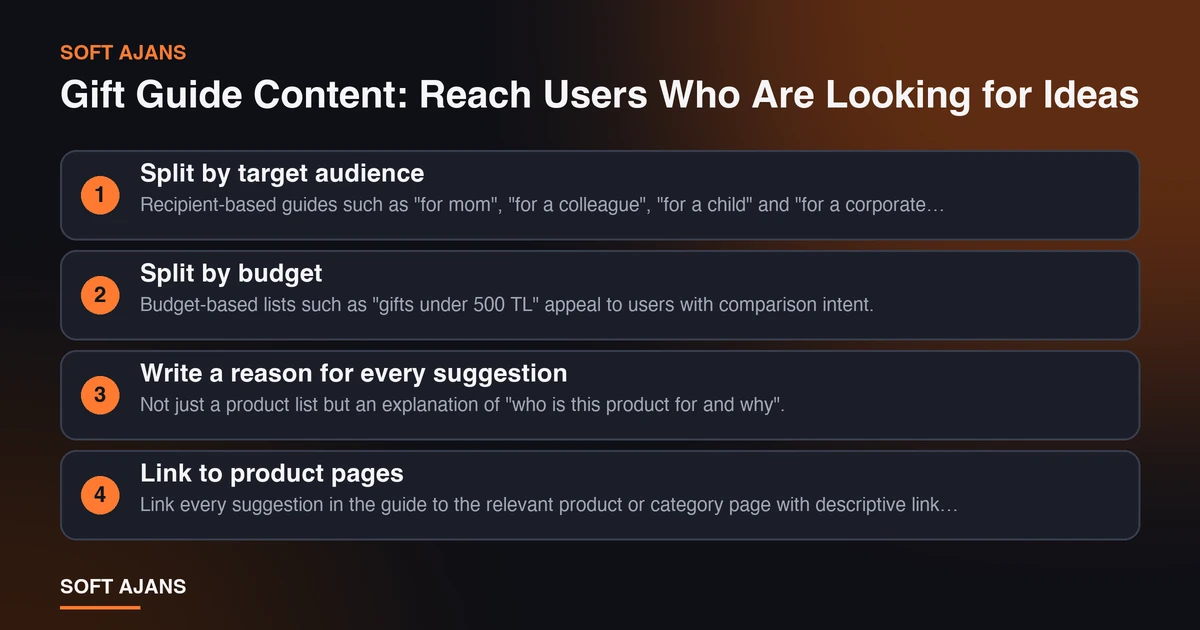
The most valuable and least used content type at New Year is the gift guide. The user does not yet know what to buy and searches “New Year gift for her”. A guide that meets this search opens a natural path to the product.
Split by target audience. Recipient-based guides such as “for mom”, “for a colleague”, “for a child” and “for a corporate client” meet separate intents.
Split by budget. Budget-based lists such as “gifts under 500 TL” appeal to users with comparison intent. When writing price bands, use current prices on the publication date and update the page after the campaign.
Write a reason for every suggestion. Not just a product list but an explanation of “who is this product for and why”. What sets the page apart from a product grid is these explanations.
Link to product pages. Link every suggestion in the guide to the relevant product or category page with descriptive link text.
State delivery information. A clear piece of information such as “last order date to arrive before New Year” both increases conversion and answers a frequently asked question. Confirm the date with your shipping company before writing it.
For the general setup of product and category texts, see our e-commerce SEO guide.
Product Data, Stock and Price Consistency
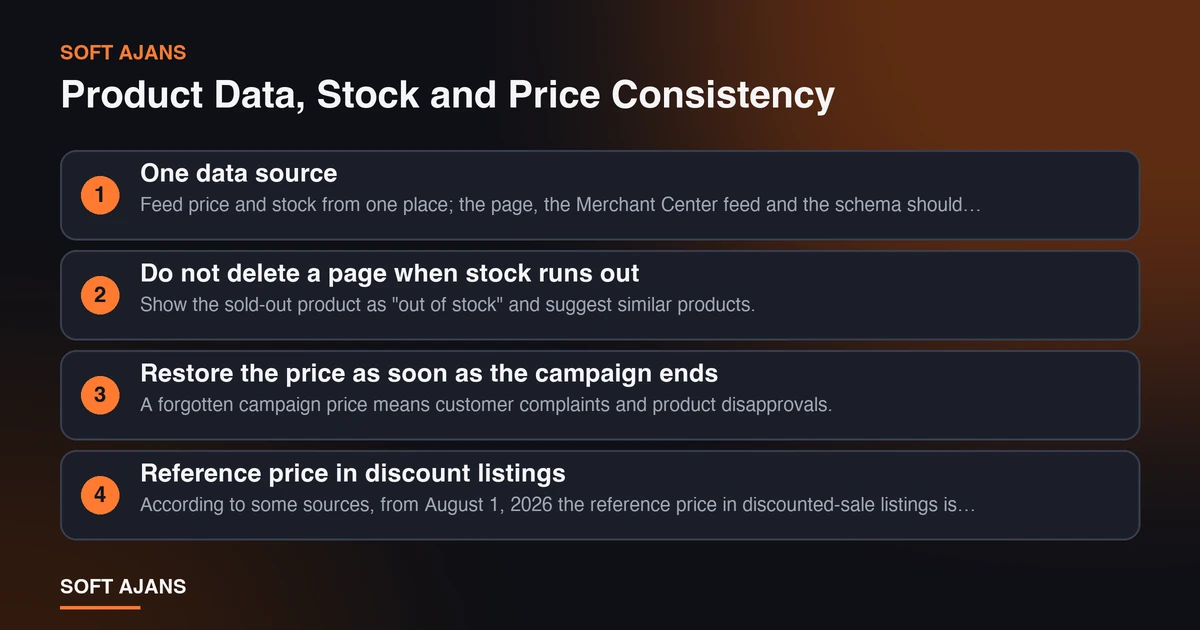
The most common problem in campaign weeks is data inconsistency: one price on the page, another in the Merchant Center feed and a third in structured data.
One data source. Feed price and stock from one place; the page, the Merchant Center feed and the schema should update from the same source. Our Merchant Center product upload guide explains feed setup, and our Product schema guide explains the markup rules.
Do not delete a page when stock runs out. Show the sold-out product as “out of stock” and suggest similar products. Deleting the page loses link and ranking value; if stock returns after New Year, the page is waiting ready.
Restore the price as soon as the campaign ends. A forgotten campaign price means customer complaints and product disapprovals. Write the end time in the campaign calendar and verify that the feed was updated.
Reference price in discount listings. According to some sources, from August 1, 2026 the reference price in discounted-sale listings is treated as the lowest price of the 10 days before the campaign. This is not legal advice; check the Ministry of Trade’s current announcements before publishing.
Internal Links and Site Structure
For New Year pages to rank, they need to receive enough links within your site.
- Home page and menu: have a visible link during the campaign.
- Category pages: place a link to the relevant campaign section at the top of each category.
- Blog content: gift guides and shopping tips should link to the campaign page.
- Between campaign pages: link Black Friday, New Year and January pages to one another with a “next campaign” link.
- Leave no orphan pages: no campaign page should be a dead end that receives no link from another page.
For site-wide technical checks you can use our technical SEO guide, and for page speed our Core Web Vitals post.
Aligning Ads and Organic
In December ad costs can rise with campaign density. If your organic pages are strong you can reduce dependence on ads, but the two need to be planned together.
Feed ads with gift guides. Build a remarketing audience for users who visit gift guide pages.
Put the delivery message in the ad text. Information such as “arrives before New Year” affects clicks and conversion; write it only if it is true and the date is clear.
Save budget for the last week. Demand concentrates in the last week of December; do not spend the budget at the start.
For information about ad management, see our Google Ads service page.
Weekly Calendar from Late November to Late January
| Period | To do |
|---|---|
| First week after Black Friday | Export campaign data; move the Black Friday page to “ended”; publish the New Year page |
| First 2 weeks of December | Publish gift guides; add category links; update the Merchant Center feed with New Year prices |
| Third week of December | Settle the last order date for delivery and write it on the page; run speed and checkout tests |
| Last week of December | Check stock and price daily; shift ad budget to peak days |
| After New Year | Open the January sale page; move the New Year page to “ended”; add return and exchange FAQ |
| End of January | Report all campaign data; write notes for next year’s plan |
Evaluation After the Campaign
At the end of January do a short review: which queries brought traffic to which pages, which gift guide led to sales, which product page ran out of stock and lost its ranking? These notes turn the next year’s plan into six weeks of preparation.
While analyzing your data, you can use our SEO checklist to quickly review your own site.
Common Mistakes
Mistakes that repeat on e-commerce sites in the New Year period:
Leaving the campaign page to the last day. Search engines need time to discover and evaluate the page. If it is published after the campaign starts, the busiest days may have passed.
Deleting the Black Friday page. When the page is deleted, accumulated links and trust signals disappear. Moving it to “ended” and linking it to the new campaign is much better.
Writing the gift guide as only a product list. A product grid without reasons gives the user no ideas and does not stand out from other store pages.
Leaving the delivery date unclear. “Will it arrive before New Year?” is asked very often; a page without a clear answer loses trust.
Forgetting to update the data feed. If the page shows a discounted price and Merchant Center shows the old one, products can be disapproved and ads can stop.
Not testing mobile. A large part of users searching for gifts come from phones. Try the checkout flow on a real device.
Not restoring the price when the campaign ends. Write the end time in the calendar and verify that the page, schema and feed were updated at the same time.
A Simple Start for Small Businesses
If you do not have time to do everything, start with five steps: open one permanent campaign page, write a short gift guide for your five best sellers, link from the home page and menu, manage product prices from one place and write the last order date for delivery clearly on the page. These five steps are not as comprehensive as a big plan, but they are a much better foundation than starting from zero.
Last Check Before the Campaign
Before going live, answer these questions once more: are the campaign dates clear on the page, are prices the same everywhere and does the checkout flow work smoothly on mobile?
How Soft Ajans Helps With E-Commerce Campaigns
In our e-commerce SEO service we work on campaign page structure, category and product content, product data quality and the internal link plan. We do not guarantee rankings or sales; we report the work we did and the results we measured. For options, see our e-commerce packages page.
Frequently Asked Questions
When should the New Year campaign page be published?
As early as possible; ideally within the first week after Black Friday. Search engines need time to discover and evaluate a new page. If campaign time is very close, still publish the page right away and add it to the sitemap.
Should I open a new New Year page every year?
No. It is better to use a permanent address without a year (for example /new-year/) and update the content every year. This preserves the links and trust signals the page has built up.
Is it really necessary to write a gift guide?
It is not mandatory but it is valuable. At New Year many users look for ideas, not products. A gift guide brings these users to your site and directs them to product pages. Do not reduce the guide to a product grid; write a short reason for each suggestion.
Should I delete the pages when the campaign ends?
No. Put the page in a “campaign ended” state, link it to the next campaign and reuse it next year. If you must remove it permanently, use a 301 redirect to a suitable page.
What should I do with the page of a product that sold out?
Do not delete the page; show it as “out of stock” and suggest similar products. If the product will return, the page is preserved. If the product was removed entirely, a 301 redirect to the nearest category or a similar product is suitable.
Does New Year SEO work guarantee rankings?
No. No SEO work can guarantee a specific ranking. What can be done is to prepare your pages to be technically error-free, helpful in content and supported by internal links.