In hotels and accommodation businesses the season is won not on opening day but weeks before it. A prospective guest plans a holiday months ahead: they research the region, find the hotel on the map, look at reviews and compare prices. If your booking page is slow when the season starts, if last year’s working hours still sit on your Google profile or if your ad budget is not yet planned, those months do not come back.
In this article we give a three-stage digital preparation calendar that starts 90 days before the season: what to do when, what to check and how, and what to measure through the season. The calendar does not promise a result; it puts the preparation in order. We explained why direct booking matters and its steps in how to increase direct hotel bookings; this article is the calendar side of the same work.
Why Start 90 Days Ahead?
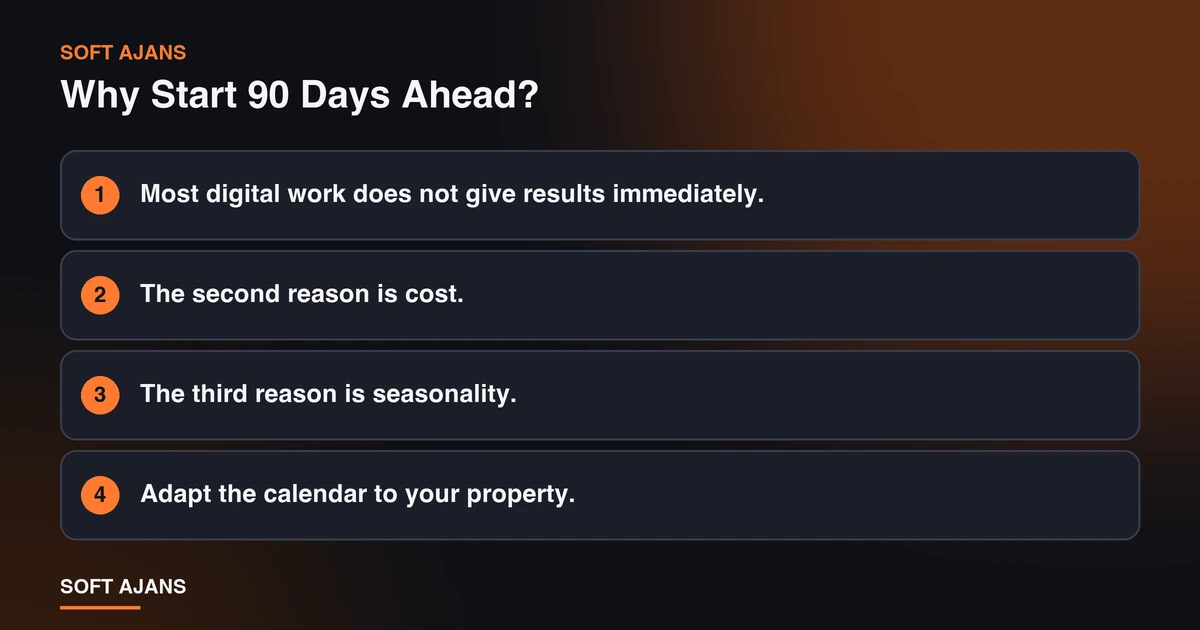
Most digital work does not give results immediately. A new page appearing in search results, changes on a Google profile taking effect, a review collection routine settling and an ad account learning all take time. Work that begins in the first week of the season misses the demand of the season’s first month.
The second reason is cost. Preparations made in the last weeks are rushed, mistakes go live and become harder to correct. A plan spread over three months splits the job into small parts: a few tasks each week, a check each month.
The third reason is seasonality. In tourism demand depends on the season, and comparing with the same period of the previous year is essential for reading measurement correctly. That is why at the end of the calendar we also set up the measurement routine; we described this in detail in the measurement step of the direct booking article.
Adapt the calendar to your property. For a summer property the season starts in June, for winter tourism in December; “90 days before” is counted back from the opening date in both.
90-60 Days Out: Fix the Foundation
The first stage is the ground the season will be built on. Accuracy matters here, not speed.
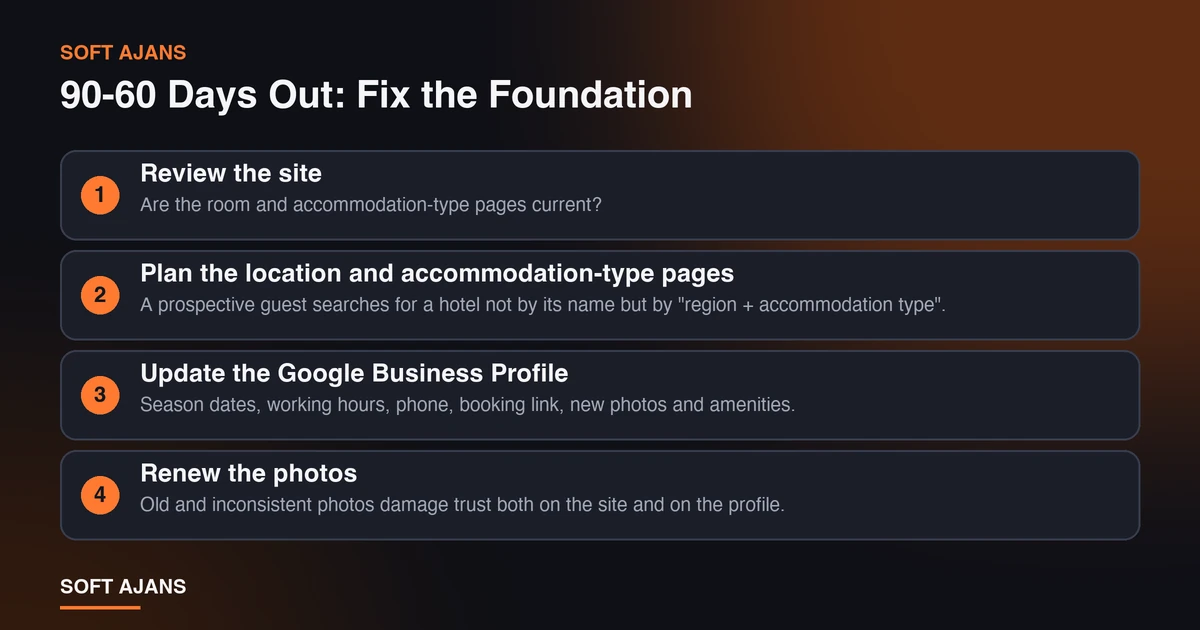
Review the site. Are the room and accommodation-type pages current? Are prices, check-in and check-out times, cancellation terms and amenities correct? Is last year’s campaign text or a closed service still on the page? Try the booking path on a phone from start to finish yourself. For speed and mobile tests you can use the lists in speeding up your website and how to test a mobile-friendly website.
Plan the location and accommodation-type pages. A prospective guest searches for a hotel not by its name but by “region + accommodation type”. List the searches you want to appear in and check whether each has a page with real content. Because it takes time for new pages to appear in search results, this is one of the earliest jobs to do.
Update the Google Business Profile. Season dates, working hours, phone, booking link, new photos and amenities. Make sure the booking link goes directly to the booking page. For a step-by-step check see the Google Business Profile optimization checklist.
Renew the photos. Old and inconsistent photos damage trust both on the site and on the profile. Planning a shoot before the season, when the property looks its best, gives you a stock of images to use all season.
Set up or verify measurement. Are booking start, form submission, phone and WhatsApp clicks measured with their source? Test before the season begins; a broken measurement cannot be restored mid-season.
60-30 Days Out: Visibility and Trust
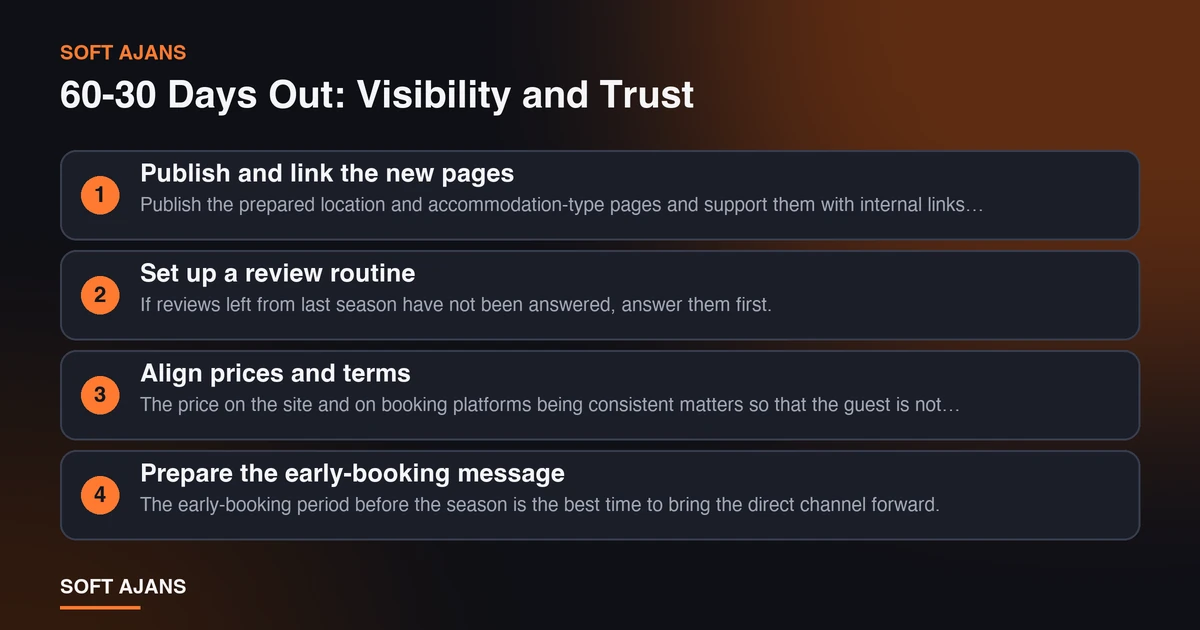
In the second stage the ground is ready; now the work that raises visibility and trust is done.
Publish and link the new pages. Publish the prepared location and accommodation-type pages and support them with internal links from the home page and from each other. We described the logic of the page structure in pages a corporate website needs.
Set up a review routine. If reviews left from last season have not been answered, answer them first. Then, throughout the season, remind guests politely after their stay, with no conditions attached, that they can leave a review. For methods see how to get more Google reviews and how to reply to Google reviews.
Align prices and terms. The price on the site and on booking platforms being consistent matters so that the guest is not sent back to the platform. The direct channel should have an advantage: flexible cancellation, breakfast or early check-in, for example. Check the price terms in your platform contract.
Prepare the early-booking message. The early-booking period before the season is the best time to bring the direct channel forward. The message needs to be clear: what do they gain, until which date, how do they book?
Draw up the ad plan. Set separate budgets for brand-name ads (so that a rival platform’s ad does not appear when a guest searches your hotel’s name) and for location searches. Split the budget by season and expected occupancy; give weight to periods with low occupancy. We described how the account is managed in our Google Ads management service.
30-0 Days Out: Going Live and Checking
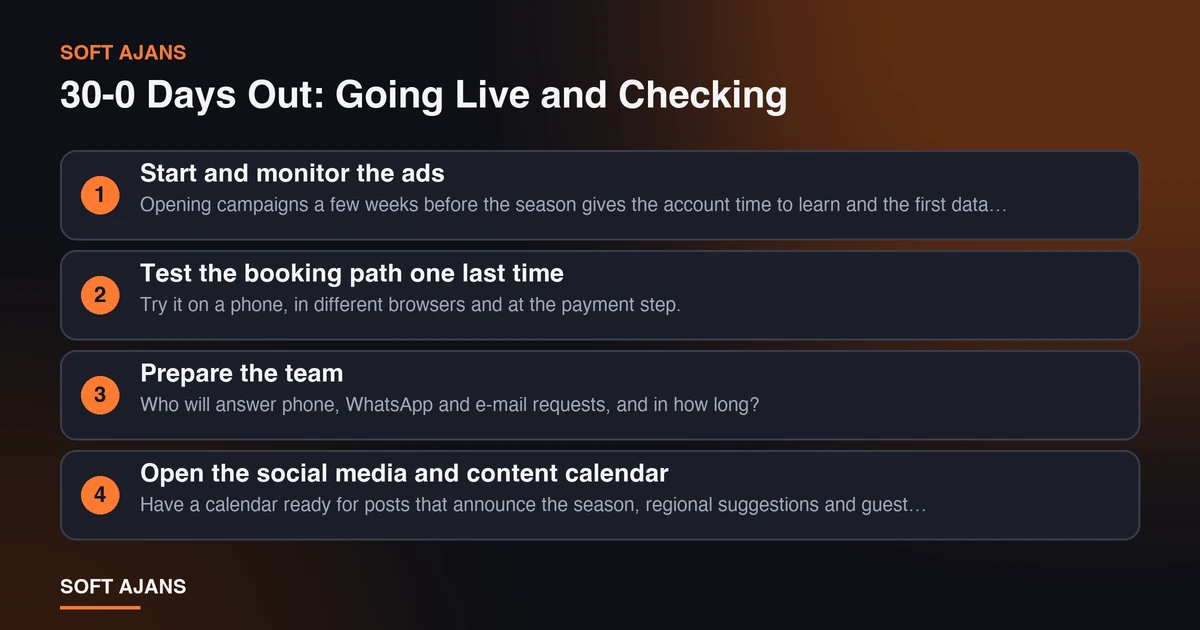
The last stage is putting everything live and testing it. Instead of starting new work, verify the existing work.
Start and monitor the ads. Opening campaigns a few weeks before the season gives the account time to learn and the first data time to accumulate. In the first weeks inspect the search terms; exclude irrelevant ones.
Test the booking path one last time. Try it on a phone, in different browsers and at the payment step. See that the measurement events are really recorded.
Prepare the team. Who will answer phone, WhatsApp and e-mail requests, and in how long? A request left unanswered is a lost booking. You can measure first response time with the methods in how to measure the first response time to incoming requests.
Open the social media and content calendar. Have a calendar ready for posts that announce the season, regional suggestions and guest experiences. For the seasonal content of the property, the 2027 digital marketing calendar lists special days and campaign periods.
Set the reporting routine. A short check each week, a comprehensive report each month. In the report compare with the same season of the previous year as well as with the previous period; in tourism, looking only at consecutive months means crediting the season effect to the work.
After the Season: Record the Lessons
The last step of the calendar comes after the season ends, and most businesses skip it. Once the season closes, do a short two-week review: which pages and channels brought bookings, which ad campaign worked efficiently, in which months demand stayed lower than expected, which reviews pointed to the same problem again and again? These notes shape next year’s calendar; measurement is only useful when compared with last year’s data.
At the end of the review write three things: three improvements for next season, one job to drop and one idea to try for the first time. This short list lets you build the calendar on top of the previous one instead of starting from zero every year. Carry repeated complaints in reviews back to the operations team and to the information on the site (for example, an amenity that is misunderstood or a cancellation term) as feedback.
What Should You Measure During the Season?
Preparation is done; through the season these indicators should be tracked:
- Arrival at the booking page and booking starts: With their source (organic search, map, ads, direct).
- Phone and WhatsApp clicks: Which page and which channel produce enquiries? The methods in call tracking help.
- Google profile performance: Views, searches, direction requests and website clicks.
- Review rating and number of new reviews: Including reply time.
- Ad cost and cost per booking: To be compared with platform commission.
- Occupancy and the share of direct bookings: You keep this data and it is added to the report.
To separate the season effect, compare with the same season of the previous year. We wrote this warning openly in our published tourism case too: the Sapanca hotels case study shows that organic clicks rose, but also notes that the two periods may have fallen under different seasonal conditions.
The 12-Point Pre-Season Checklist
- Pages for accommodation type and location exist and are current.
- Price, check-in and check-out time, cancellation term and amenities are written correctly on the site.
- The booking path has been tried on a phone from start to finish and opens fast.
- The Google Business Profile is current with season information, hours and photos.
- The booking link on the profile goes directly to the booking page.
- All old reviews have been answered.
- A routine for asking for reviews after a stay is defined.
- Prices on the site and on platforms are consistent; the direct channel has an advantage.
- The early-booking message and date are ready.
- An ad plan for brand and location searches and a seasonal budget split are defined.
- Booking, phone and WhatsApp events are measured with their source.
- It is clear who will answer requests and in how long; the report also compares with the same season last year.
Common Mistakes
- Doing the preparation when the season starts. Search visibility and profile changes take time; late work misses the first month.
- Leaving last season’s information in place. A wrong working hour or a closed service damages trust.
- Trying to solve it with ads alone. If the booking page is slow or unclear, ads waste your money.
- Setting up measurement mid-season. Without data from before the start, no comparison can be made.
- Price inconsistency. Showing a higher price on the site than on the platform sends the guest to the platform.
- Replying to requests late. The business that replies fast gets the booking.
- Not seeing the season effect. Comparing June with March makes the effect of the work look larger than it is.
What Does Soft Ajans Do for Accommodation Businesses?
In our digital marketing service for hotels and tourism businesses, page structure by location and accommodation-type searches, the Google Business Profile and reviews, direct booking ads and reporting that separates the season effect run together. We do not change your existing booking system; we set up the measurement on the site according to the current system. We do not guarantee results or occupancy; we set the goal together and measure demand coming from direct bookings.
If an on-site photo shoot is needed we write the scope and cost separately in the quote; our office is in Ankara and we work with properties anywhere in Turkey by video call, WhatsApp and e-mail. For the sector framework see digital marketing for hotels and accommodation businesses, and to see the current state of your site you can look at the free pre-analysis.
Frequently Asked Questions
How many days before the season should digital preparation start?
If possible, 90 days. New pages gaining visibility, profile changes taking effect and an ad account learning all take time. If you start later, give priority to the most critical jobs (booking path, profile, measurement and brand ads).
Is a small boutique hotel’s budget enough for this calendar?
The calendar is not a budget figure but an order. For a small hotel the basic steps (profile, booking path, review replies, brand ads, measurement) can be done at low cost; start with the highest-impact jobs rather than the heavy ones.
Do we need to leave booking platforms?
For most businesses, no. Platforms are one way to reach new guests. The aim is to reduce dependence on commission by increasing the share of direct bookings.
Does it make sense to run ads before the season starts?
Usually yes, but start small. Running ads on brand searches for the early-booking period and collecting first data lets you distribute the season budget more consciously.
When should I evaluate the results?
Do a short check weekly; do the real evaluation with at least one season of data, comparing with the same season of the previous year. Consecutive months are misleading because of the season effect.
Can I do the preparation myself?
The property’s team can do most of the work on this list. Getting support makes sense at the point where time or expertise runs out (search visibility, ad management, measurement setup).