In the same week you ran ads in three places, sent a newsletter and made a social media post. At the end of the month most visitors to your site show up in the analytics report as “direct” or “other”. You do not know which activity brought what. The most common cause of this confusion is campaign links that have not been tagged.
UTM parameters are a simple method that solves this problem: short tags added to the end of a link tell the analytics tool which source, channel and campaign a visitor came to the site from. In this article we explain what a UTM parameter is, what the five parameters mean, how to build a link, where it will show up in Google Analytics 4 and an orderly naming template. By combining the same link with a QR code you can also track printed work.
What Is a UTM Parameter?
UTM (Urchin Tracking Module) parameters are tags added to the end of a web address, starting with a question mark. When a visitor clicks the link, these tags are passed to the analytics tool and the session is recorded with the source, channel and campaign information written in the tags.
For example, a plain address looks like this: https://example.com/service/. The tagged version might be: https://example.com/service/?utm_source=newsletter&utm_medium=email&utm_campaign=november-sale. The page is the same for the visitor; for the analytics tool it is now clear that this visit came from an email newsletter as part of the November campaign.
UTM tags are meaningful only on links you control: email, newsletter, ads, social media posts, QR codes, partner links. Tags are not added for organic visitors coming from search engines; the analytics tool already recognizes them.
The Five UTM Parameters and Their Meanings
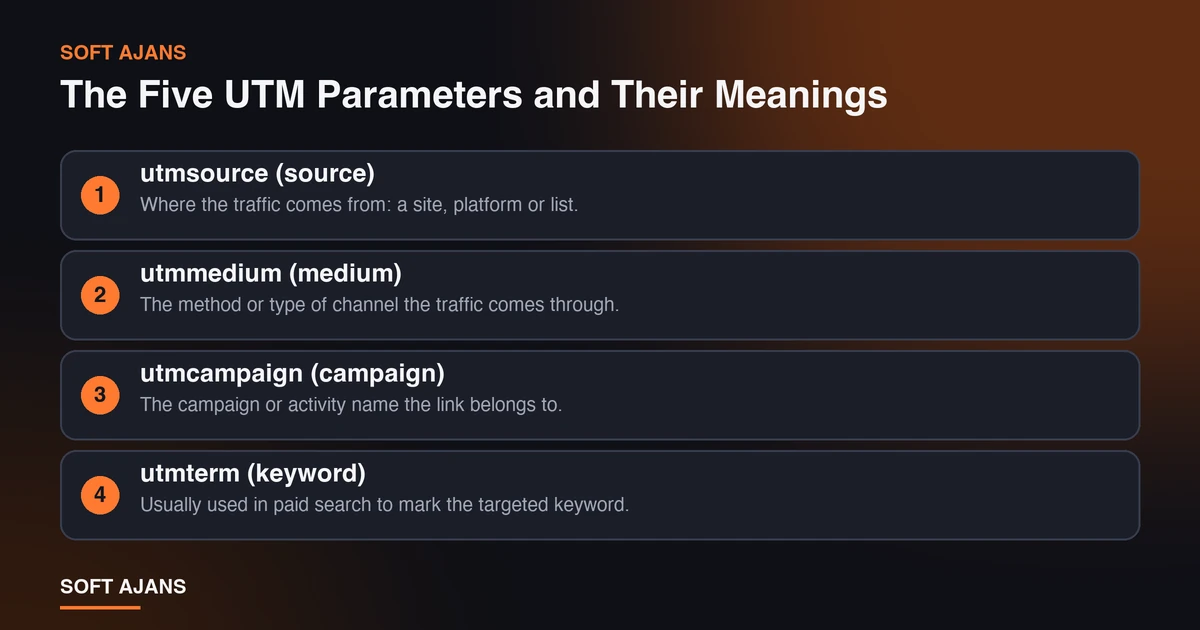
There are five standard parameters. Three are usually treated as required, two are optional.
utm_source (source). Where the traffic comes from: a site, platform or list. Example: google, instagram, newsletter, partner-site.
utm_medium (medium). The method or type of channel the traffic comes through. Example: cpc (paid per click), email, social, qr, banner.
utm_campaign (campaign). The campaign or activity name the link belongs to. Example: november-sale, new-catalog.
utm_term (keyword). Usually used in paid search to mark the targeted keyword. Optional.
utm_content (content). Used to tell apart different links or ad versions within the same campaign. Example: top-banner, button-a, image-2. Optional.
General rule: the source answers “from where”, the medium “how” and the campaign “why”. Filling in these three is enough for most work; term and content help only when you need to distinguish within the same campaign.
How Is a UTM Link Created?
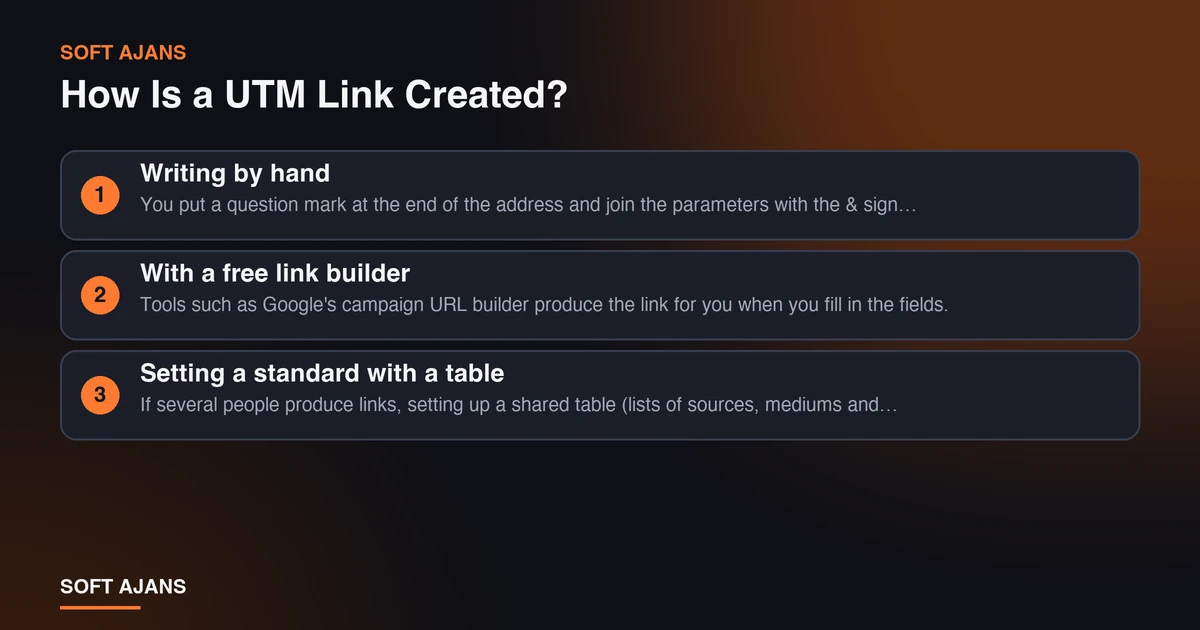
There are three ways to create a UTM link.
Writing by hand. You put a question mark at the end of the address and join the parameters with the & sign: ?utm_source=...&utm_medium=...&utm_campaign=.... It is enough for simple jobs but carries a risk of typos.
With a free link builder. Tools such as Google’s campaign URL builder produce the link for you when you fill in the fields. The risk of error is lower and it checks the address.
Setting a standard with a table. If several people produce links, setting up a shared table (lists of sources, mediums and campaigns) and generating the link with a formula in that table best keeps things consistent.
Whichever way you choose, in the last step open the link once in a browser and check that it goes to the right page and the tags are visible in the address.
Where Does UTM Data Appear in GA4?
In Google Analytics 4, tagged visits are processed into sessions with source and medium information. In reports they are usually followed in the acquisition reports (traffic acquisition and user acquisition), within them in the “session source / medium” and “session campaign” dimensions. The campaign name comes from the utm_campaign value.
Two points are worth knowing here. First, GA4 counts values separately in a case-sensitive way; Instagram and instagram can show up as two separate rows. Second, channel grouping is done by GA4’s own rules; making the utm_medium value compatible with those rules (for example cpc, email) makes it easier for results to fall into the right channel. Because details can change over time, check Google’s documentation for the current rule.
Remember also that some visits may not enter measurement at all for reasons such as cookie consent; for detail, see our article on why GA4 data is missing when there is cookie consent.
A Copyable Naming Template
The power of UTM comes from consistency. You can adapt the template below to your own business:
- Source: platform or list name, lowercase. Example:
google,facebook,instagram,newsletter,linkedin. - Medium: channel type, lowercase, a few fixed values. Example:
cpc,email,social,qr,partner. - Campaign:
month-topicoryear-topicformat, with hyphens. Example:2026-november-sale,new-catalog. - Content: position or version. Example:
top-banner,button-a.
Four rules apply in the template: always lowercase, hyphens instead of spaces, no special characters and recording every value in a table. A tag that is not recorded in a table turns into a tag nobody remembers three months later.
Example Uses
The examples below are meant to show the naming logic; the addresses are fictional.
Email newsletter: ?utm_source=newsletter&utm_medium=email&utm_campaign=2026-november-sale&utm_content=top-button
Instagram profile link: ?utm_source=instagram&utm_medium=social&utm_campaign=profile-link
QR code in a printed catalog: ?utm_source=catalog&utm_medium=qr&utm_campaign=2026-new-catalog
Article on a partner site: ?utm_source=partner-site&utm_medium=partner&utm_campaign=guest-post
If you use two different buttons or images in the same campaign, you can see which got more clicks with utm_content.
Do You Need UTM in Google Ads?
If auto-tagging (gclid) is on in your Google Ads account, you may not need to add UTM separately for the link between Google Ads and Analytics; auto-tagging carries the click information itself. Manual UTM is more useful on ad channels other than Google Ads or in special cases where auto-tagging is off.
We explained how to track a paid search account and which settings to check in our Google Ads account audit checklist. Thinking about the two together prevents measurement gaps.
How Should a Campaign Name Be Chosen?
A campaign name should be chosen thinking about what it will remind you of when you open the report months later. A good name carries three things: period, topic and, if needed, target audience. A name like 2026-november-sale-existing-customers says when, what for and to whom. campaign1 means nothing a month later.
If you run the same campaign on different channels, keep the campaign name fixed and change the channel and source. That way you can compare side by side which channel works better under one campaign name. Marking the name as “closed” in the table when the campaign ends prevents the same name from being reused by mistake later.
Setting a UTM Standard Within the Team
The biggest problem with UTM is not technical but human: different people write the same thing differently. To prevent this, set up a simple order inside the team. Have one shared table; when a new tag is needed, look at the table first and add it if it is missing. If possible, produce links with a formula in the table, not by hand. If you work with an agency or an external team, share the same table with them.
After setting up the order, open the report every three months and look at the traffic falling into the “other” or “unknown” bucket. If there is an unexpectedly large share there, there are missing or wrongly tagged links.
Privacy and Ethics When Using UTM
UTM tags carry campaign information, not personal information; still, there are points to watch. Do not write an email address, a name or any personal data into tag values; they are visible in the address bar, shareable and recorded in analytics tools. If you need a personalized link in email newsletters, keep the value identifying the person in your own system instead of the tag.
Also know that visitors who do not give cookie consent may not enter measurement; so assume that tagged data shows the visits that could be measured, not every visit. Reading the report with this limit prevents you from over-interpreting numbers.
Common Mistakes
- Adding UTM to internal links. Adding tags to links between your own pages erases the real source of the session and writes an internal source in its place. UTM is only for links coming to the site from outside.
- Mixing upper and lower case.
Facebook,facebookandFACEBOOKbecome separate rows in the report. - Inventing a new channel name every time.
social,social-mediaandsocialswrite the same channel three ways and the report scatters. - Using spaces and special characters. The link may break or produce a tag with garbled characters.
- Writing the tag long and meaningless. Choose short and meaningful values instead of long ones nobody will read.
- Not testing the shortened link. If you use a link shortener, be sure to try that the shortened link keeps the tags.
- Adding personal information. Do not put personal data such as an email address or name into tag values.
- Not keeping the table. If nobody knows what a tag means, UTM loses its use.
What to Watch When Reading Tags in the Report
Tagged data alone is not a result; it needs interpreting. Look at volume first: do not base decisions on a source with a few sessions. Then look at quality: look not only at the number of visits but at whether those visits turned into target events (form, call, purchase).
Also allow for periods when tags were missing. Traffic from a link with no tag appears under “direct” or “other”; so when comparing, note when the tagging order began. Our article on how to read an agency report may help with how to read reports.
What Does Soft Ajans Do in Measurement?
In ads and digital marketing work we do the tagging of links, analytics setup and conversion tracking as part of the job. In our digital marketing service we set up a naming standard for campaign links and report which channel brings what.
We do not give result guarantees; we give in writing what we measure and how we read it. To see your current measurement state you can ask for a free preliminary analysis.
Frequently Asked Questions
What is a UTM parameter?
Short tags added to the end of a web address. They tell the analytics tool which source, channel and campaign a visitor came to the site from.
Which UTM parameters are required?
Usually source, medium and campaign (utm_source, utm_medium, utm_campaign) are filled in. Keyword (utm_term) and content (utm_content) are optional.
Does a UTM link affect SEO?
Tagged links go to the same page; however, it matters that the canonical tag is set correctly on the page so that search engines do not see different addresses of the same page. Not adding UTM to internal links is a good rule for this reason too.
Can I use UTM for organic traffic?
No tag is added for organic traffic from search engines; the analytics tool already recognizes it. UTM is used for links you place yourself (newsletter, social media, QR code, partner site).
Can I shorten a tagged link?
Yes, but test that the shortened link keeps the tags after redirecting. Some shorteners can break tags.
Does UTM data appear in GA4 right away?
It may appear in real-time reports quickly; processing into standard reports can take longer. So before starting a new campaign, it is a good habit to open the link yourself and confirm it in the real-time report.